Web service
Web service
Web service overview
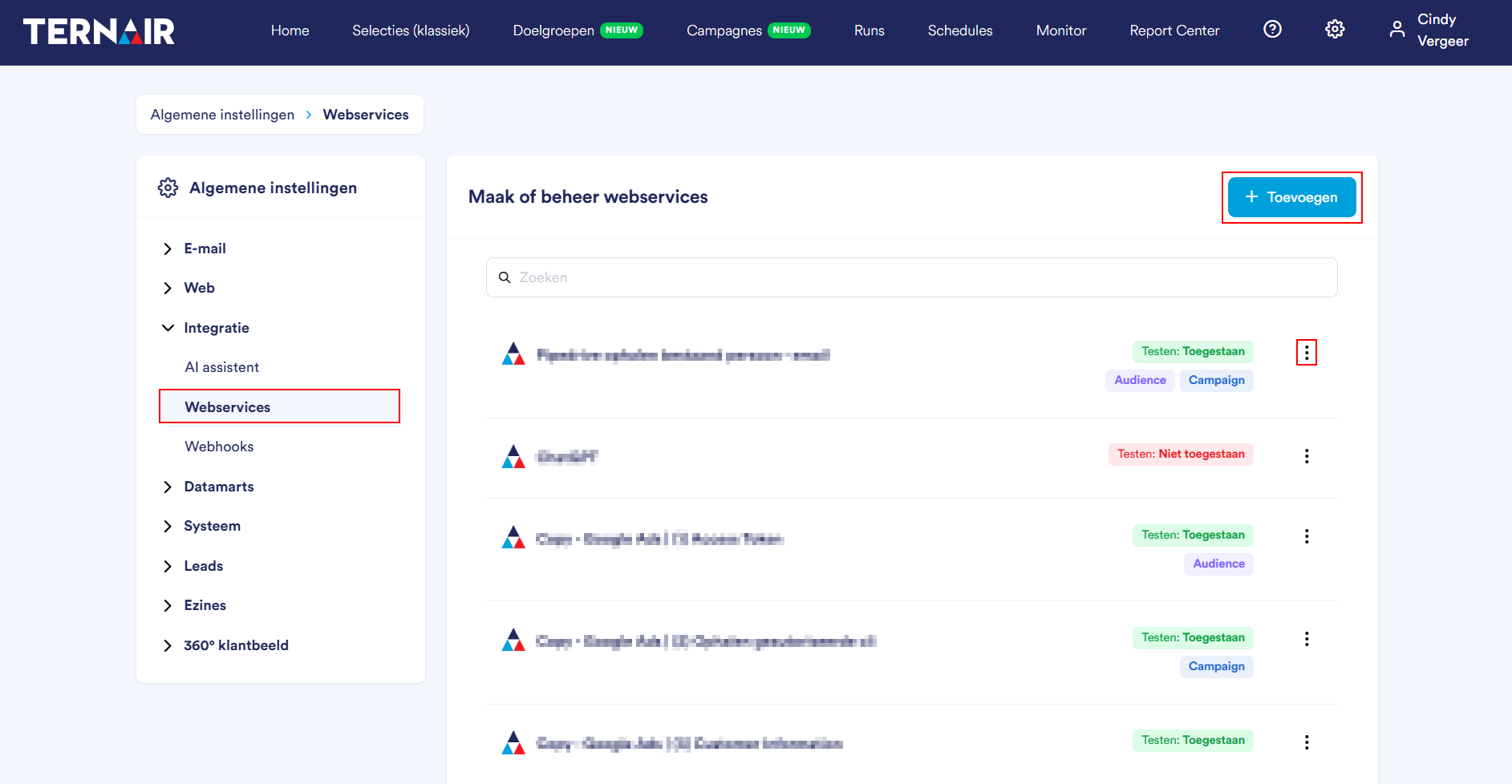
Name
Testing: allowed --> The web service may be used for testing purposes

Testing: Not Allowed --> The web service may not are used for testing purposes

Campaign -> The web service is available in the Campaign Manager. Testing allowed must also be activated in the process.
Target audience -> The web service is available in the Target Manager. Testing allowed must also be activated in the process.
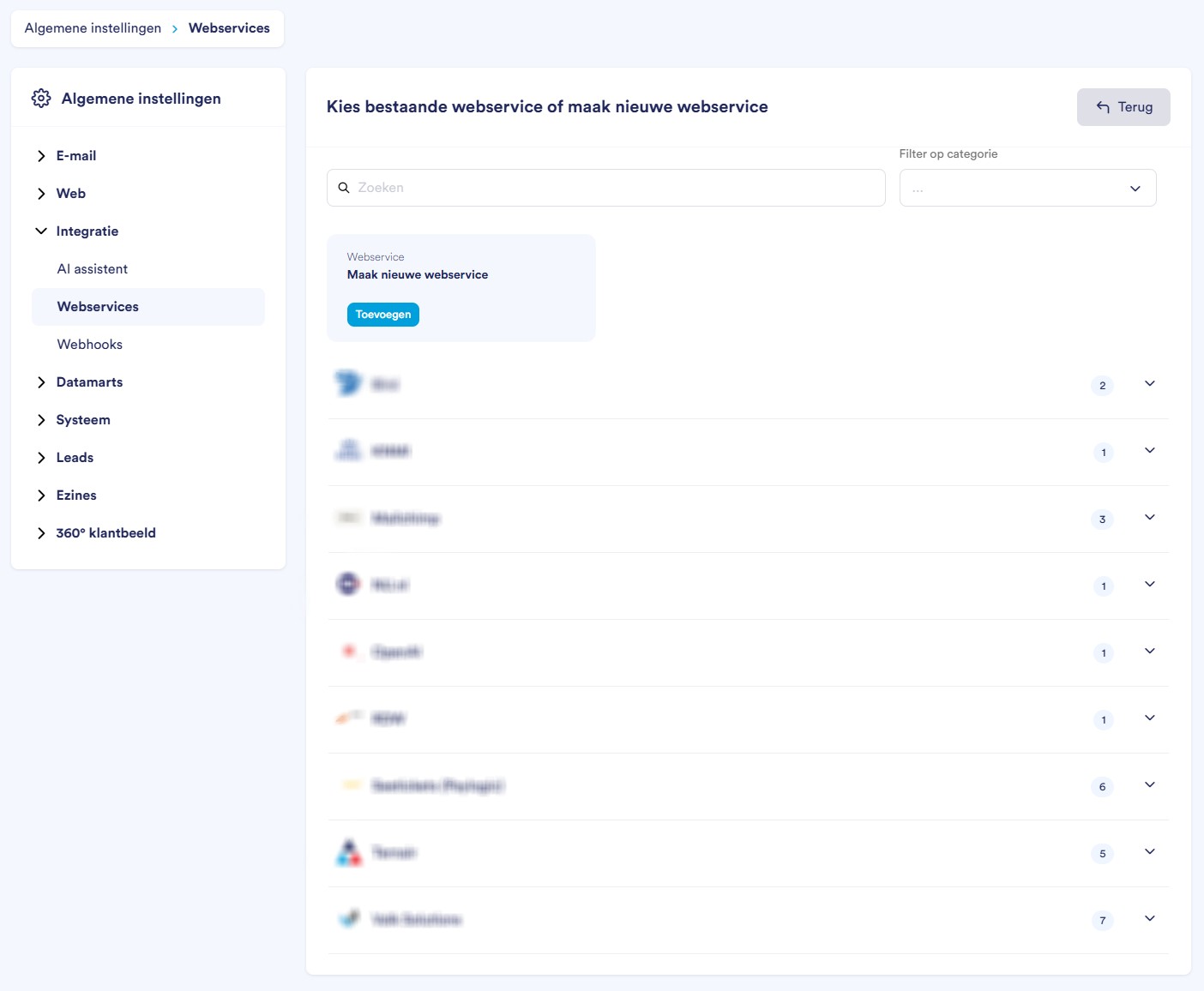
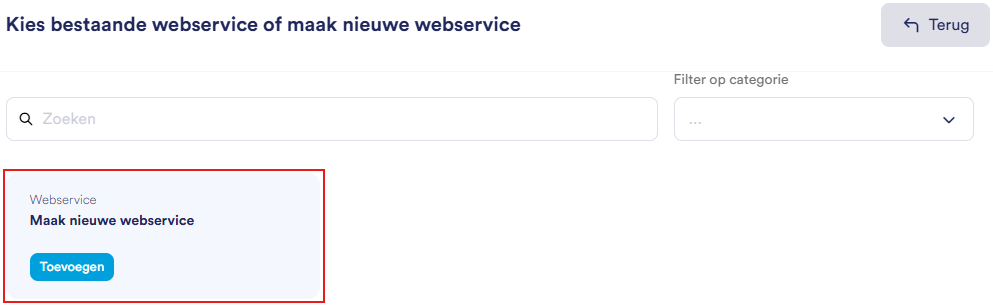
Add web service

Settings
Icons | Section | Function |
 | Name | Give the web service a recognizable name. |
 | URL | Enter Enter the endpoint URL or the remote Web service. |
 | Icon | Customize the icon via Image Adjustment |
 | Method | Choose the HTTPS method: Get, Post, Well or Delete |
 | Authentication Type | Choose a authentication type: None, Basic, OAuth, HMAC |
Icons | Section | Function |
 | Testing Permit | Sta toe That the web service is being tested |
 | Send multiple rows per call | Send multiple records in één API call. Note: to send multiple rows per call, the host Web service on this are furnished. You can compose the body expected by the web service on the tab body. |
 | Use in Campaign Manager | Create the web service available In the Campaign Manager |
 | Use in Target Manager | Create the web service available In the Target Manager |
Body
Icons | Section | Function |
 | Content Type | Choose the size or the body |
 | Body | Fill the body or the invocation in |
Headers
Icons | Section | Function |
 | + Add header | Add a extra add header |
 | Key | Give the key a naam |
 | Waarde | Give the new header a value (e.g., authentication token/API key or content-type) |
 | Type | Choose a type, e.g. Text |
 | Remove Header | Remove an existing header |
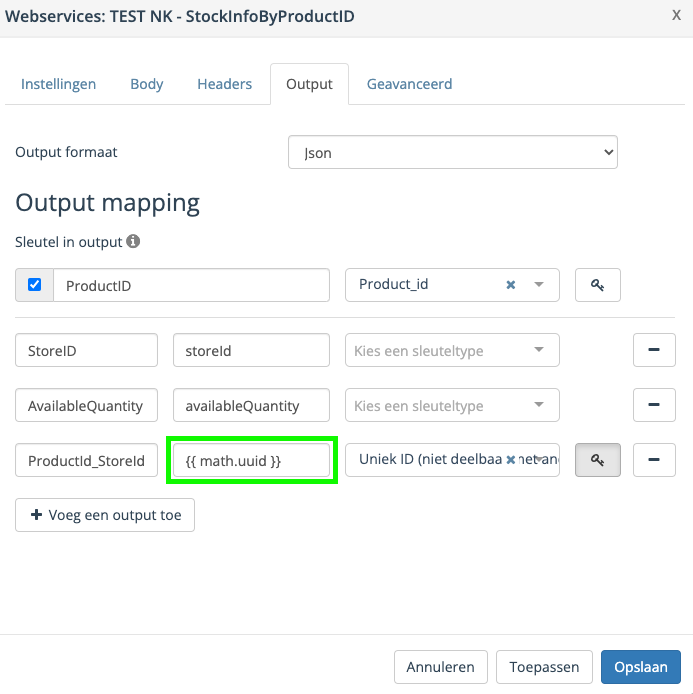
Output
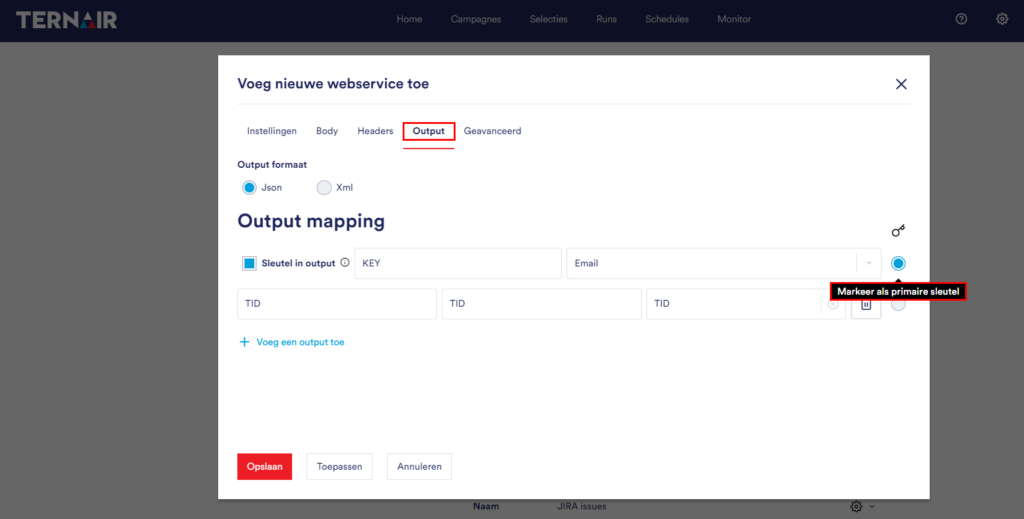
Icons | Section | Function |
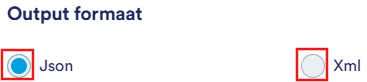 | Output Format | Choose between JSON or XML |
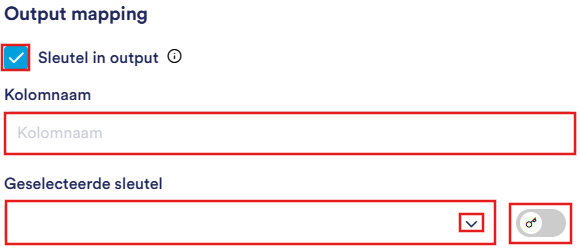 | Key in output | Indicate whether the key should be taken in the output. Choose the column name and select the sleutel |
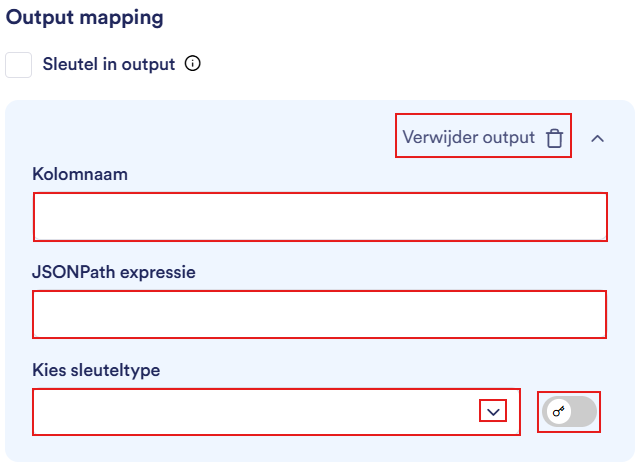
 | + Add an output | Add a output field Add and name the field |
 | Remove Output | Remove an existing output field |
Add output
Kolomnaam | Name or column in campaign. |
JSONPath expression | The value or the column in the API response |
Choose key type | Define key type for campaign |
Remove output | Click on the trash can icon to delete the output |
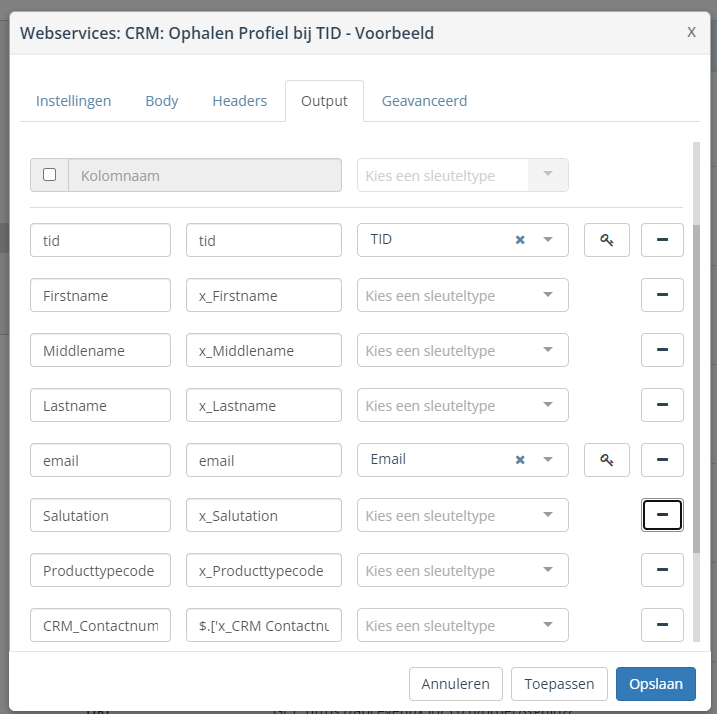
Defining multiple keys
Advanced
Icons | Section | Function |
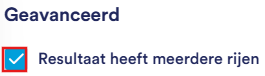 | Result has multiple rows | Enable when the webservice returns multiple rows |
 | Array Expression | Give the expression on which the array is identified in the response |
 | Has Pagination | Enable if the Web service returns paginated results. Then choose between: Use page numbers (set the start and end page number), Use the 'next URL' property or Stop at the first blank page |
Option | Description |
Apply | Save without the editor or the new |
Save* | Save and close the editor |
Cancel | Close the editor without saving changes |

Good to know
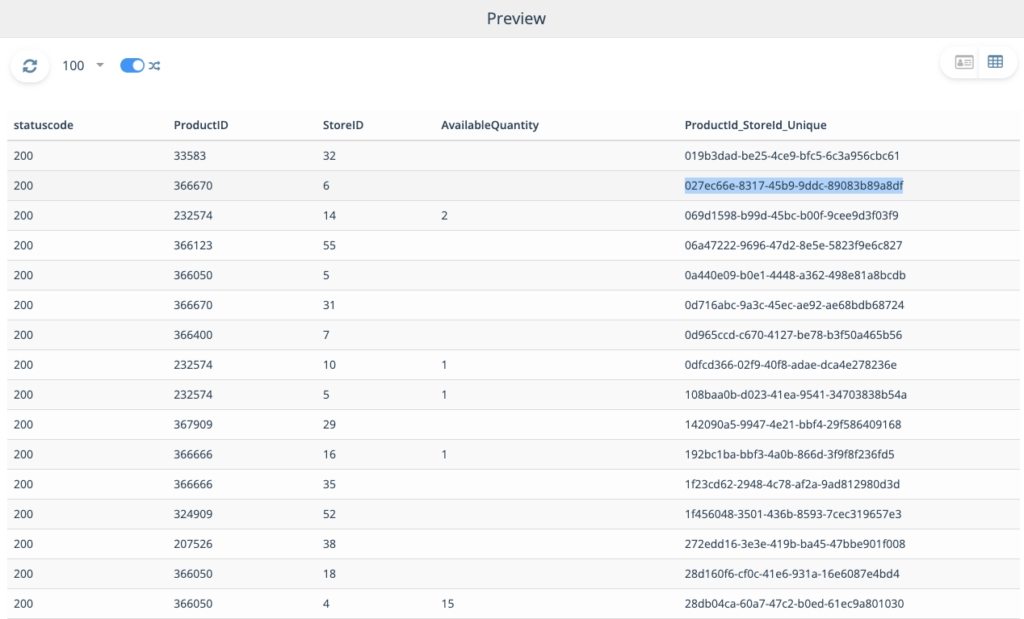
Generate a unique value