Selections vs. Target Audience & Campaign Manager
What are the Audience Manager and Campaign Manager?
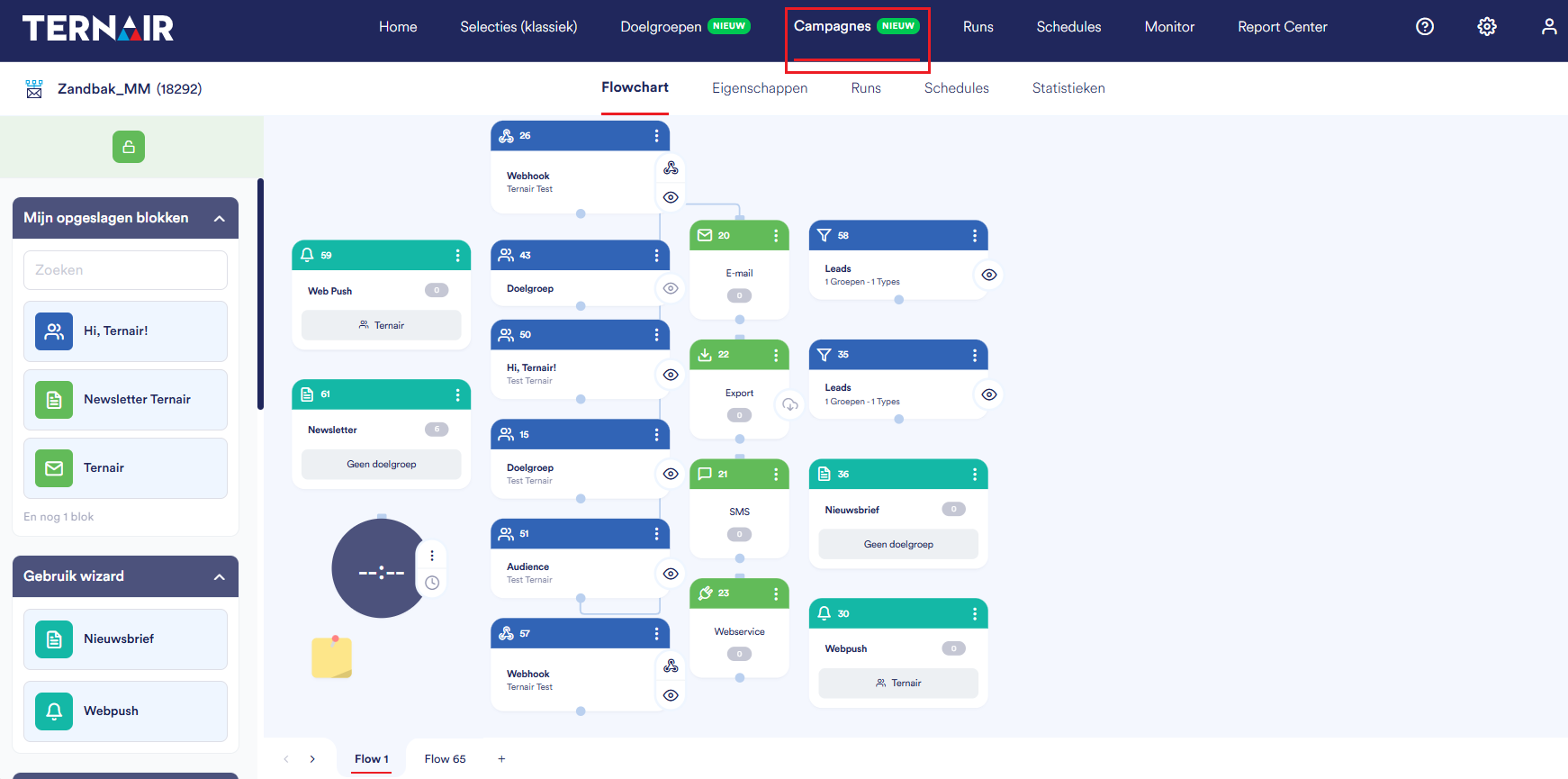
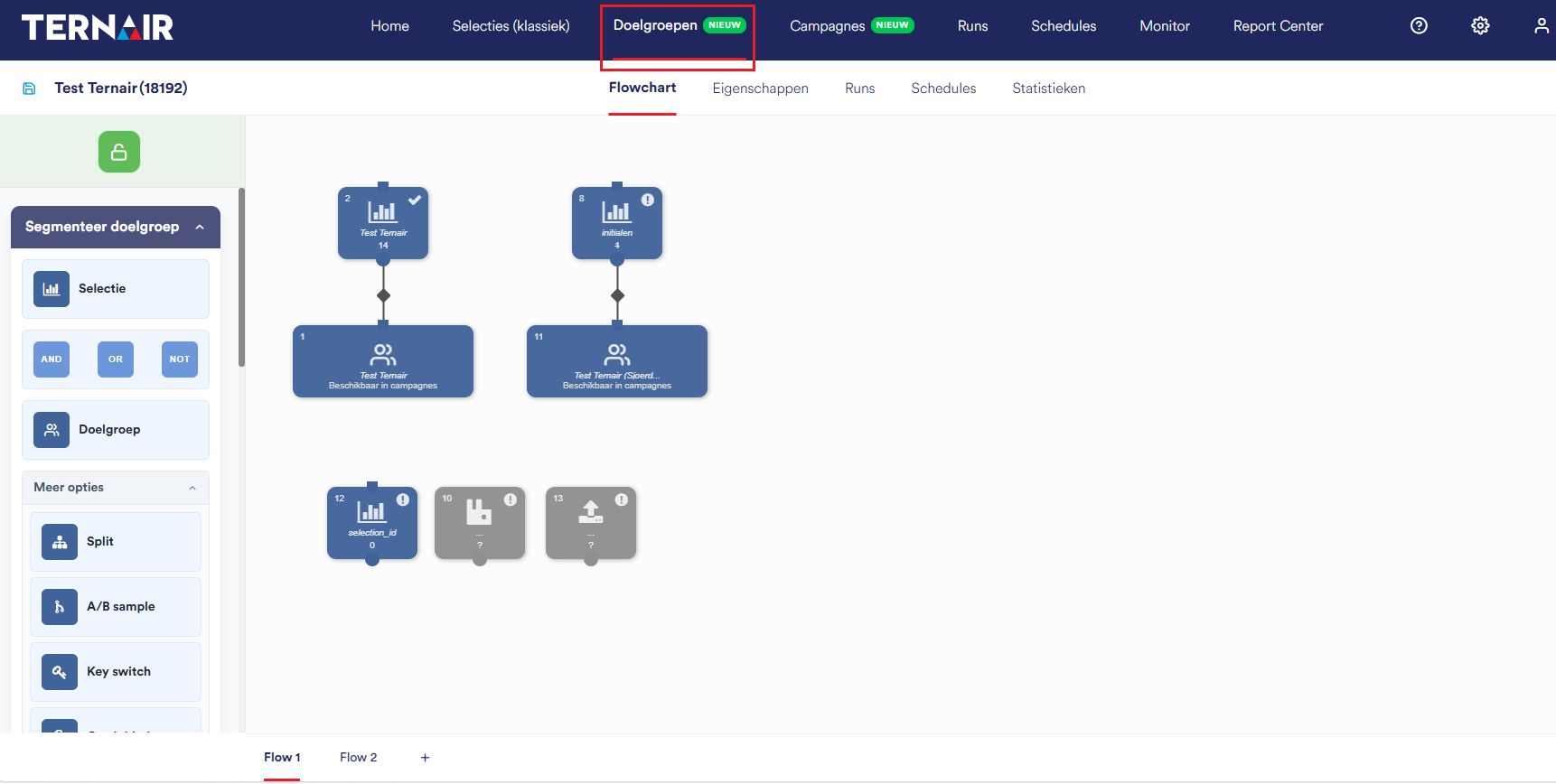
In the new workflow, building your target audience (data) is separated from setting up your campaign (channels & content). Two separate, interconnected tools are available for this: the Audience Manager and the Campaign Manager.
Target Audience: (Data) Manager
Select & Segment – Select and segment contacts based on criteria (Select, Split, Sample, Switch, Deduplicate, Communication Load).
Combine & Exclude – combine multiple selections or subtract one from another.
Enrich & Edit – Add or update information.
Campaign Manager (Channels & Content)
Channels – the channel you use to communicate, such as email.
Content – the structure and content of your message.
Keypad – the path that contacts take through the campaign.
Automate & Execute – Plan and automate the execution using Schedule and Webhook.
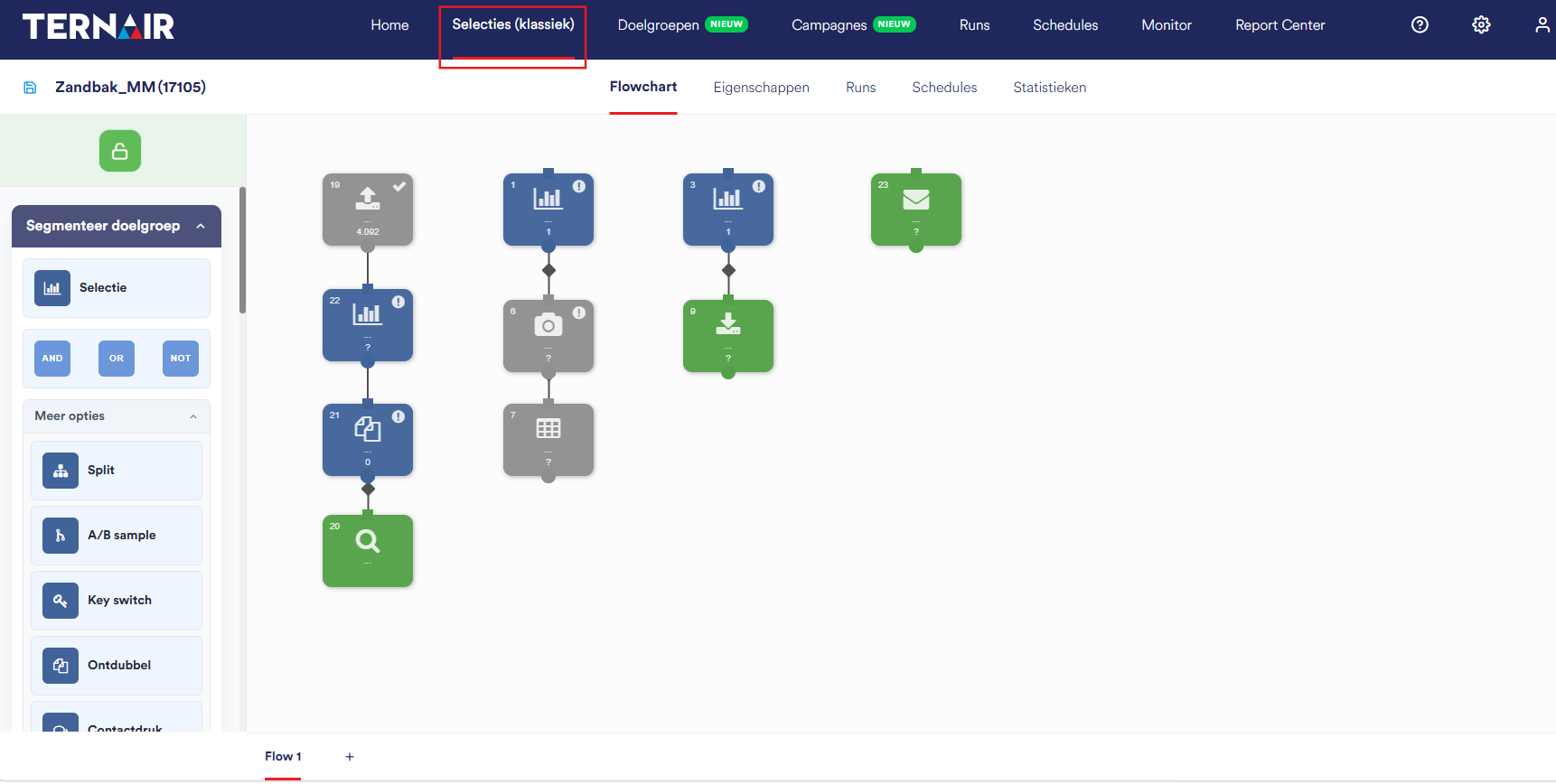
What is "Selections (Classic)"?
Everything is grouped together on a single selection/worksheet.
Target audience logic and the campaign are inextricably linked.
Highly flexible and powerful for one-time or complex, standalone selections.
The target audience you've created cannot be reused as-is in other campaigns; if you want to use the same target audience again, you'll need to rebuild the logic or copy the selection.
The Main Differences
Subject | Target Audience: Manager & Campaign Manager | Selections (classical) |
Structure | Data and campaigns are separate: data is in the Audience Manager, and campaigns are in the Campaign Manager. | The data and the campaign are both shown on a single worksheet (flowchart). |
Target audience | Stands on its own and can be reused separately. | Part of the set; not reusable separately. |
Reusability | Using a single target audience across multiple campaigns. | Rebuild or copy the target audience logic for each campaign. |
Overview | Target audiences and campaigns are managed separately. | Everything in a single selection. |
Focus | Clear separation between data and channels/content. | The entire process in a single image. |
Data Processing | The same operations, grouped in the Target Audience Manager. | Select, segment, combine, exclude, enrich, and edit. |
Implementation | Execute via the Campaign Manager (Schedule, Webhook). | Schedule and run on the same worksheet. |
Suitable for | Reusable target audiences and structured campaign management. | One-time or complex, standalone selections. |