Connector
The Connector block lets you connect two separate trees within a flow. This allows you to determine the order in which processes are executed, without relying on blocks that pass data. The Connector block is available in Selections (classical) and in the Audience Manager.
The Connector block:
has one input and one output;
does not transmit any data;
has no settings that you can configure.
As soon as the block before the Connector block is complete, the block that follows it begins execution.
Add a connector block
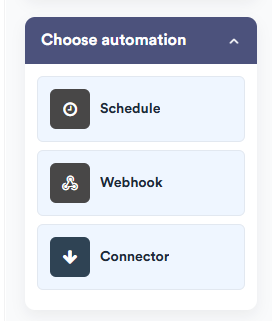
Drag the Connector block from the menu onto the workspace. Then connect the block to the two trees you want to link together.
Please note: The Connector block lets you determine the order of execution, but the connected flows can also run simultaneously.
Example
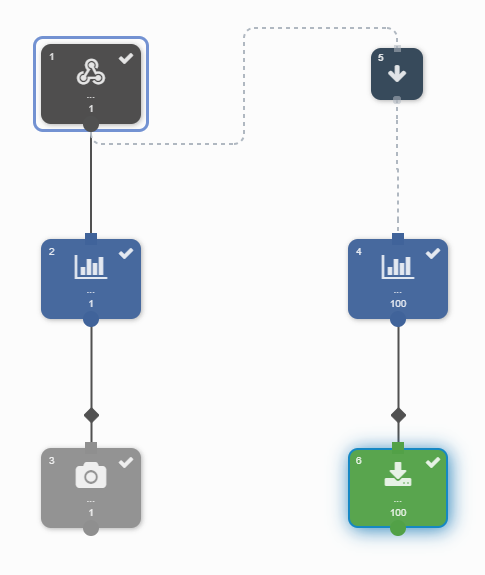
In the example below, the Connector block connects the flow on the left to the flow on the right. The Connector block comes immediately after the Webhook block. This allows both Selection blocks to be executed simultaneously.
Reports
When connecting a Connector block, you may encounter the following messages:
Report | Meaning |
|---|---|
Only connector blocks may establish a connection | This connection may only be made using a Connector block. |
Connection not allowed | The connection you are trying to make is not allowed. |
A connector block must not refer to the same tree | The Connector block must have two various Connect trees, not two blocks within the same tree. |