Email info
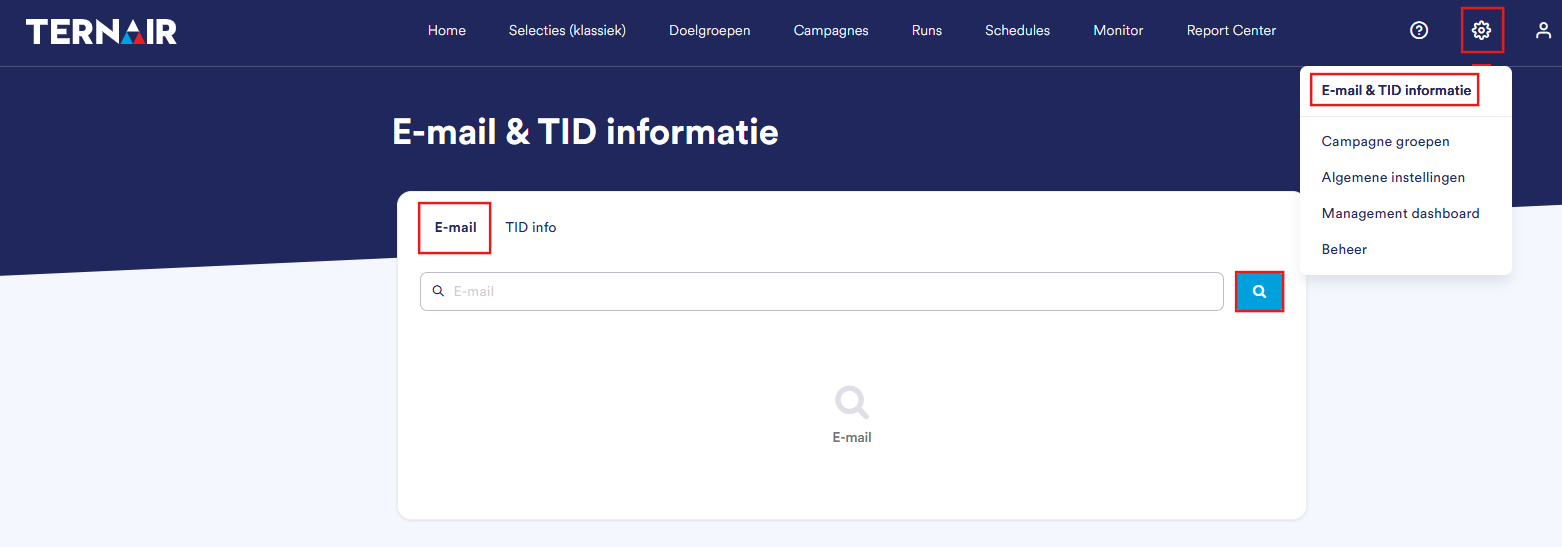
Search Email

No. | Variable | Description |
|---|---|---|
1 | Bounced email | Email message rejected by the recipient's server. |
2 | Clicked email | The recipient clicked on the email message. |
3 | Email Sent | Email message accepted by the recipient's server. |
4 | Opened email | Email message opened by the recipient. |
5 | Promotion Code (Name) | The (unique) name of the campaign. |
6 | Selection Code (Name) | The (unique) name of the selection. |
7 | Detailed bounce information is displayed for bounced records | The reason why emails cannot be delivered. |
8 | Reset the email address by clicking the reset icon when the status is, for example, "H" (Hard Bounce) | Click the reset icon to reset the status so you can send emails again. |
Note: The Run ID field contains the unique identifier of the run that was used to send the email message. This information is provided for reference purposes only. It is not possible to search or create selections based on this field.
Statuses
Valid
H (Hard Bounce)
S (Soft bounce)
global_suppression
F or feedback loop
no @
contains a space
invalid_domain
no period after the last @
ends with a period
spam trap domain
more than an @
period before @
No character between the last @ and the period
contains a comma
semicolon
rejected
underscore in domain name
has a bird's beak
several points in a row
contains a colon
ends with a dash
starts with a period
starts with a dash
contains a line feed
quote in domain
bracket in domain
contains a straight hook
/ in domain
domain ends with a hyphen
domain starts with a hyphen
starts with @
ampersand in domain name