Start with Ternair
Introduction
Menu
Audience Manager (data)
Campaign Manager (channels & content)
Key path
Automation
Execute
Schedule
Webhook
Time zones
Reports
Email dashboard
Campaign calendar
Email conversion dashboard
Manage
Home
Selections (classic)
Audience Manager
Campagne Manager
Runs
Schedules
Monitor
Overview
Campaign set
Operation Campaign
Overview
The 'Monitor' screen provides insight into the error messages that occur in Ternair Campaign.
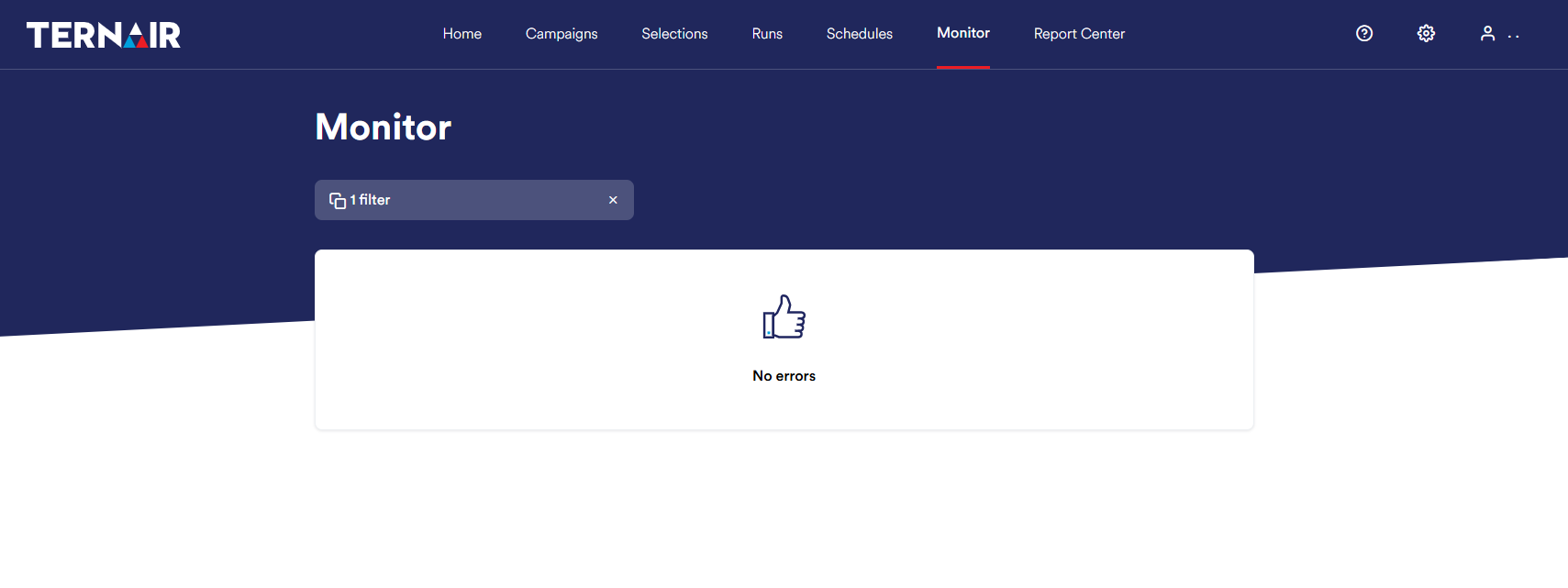
Overview of all errors
If there is an error, it is visually displayed in the monitor overview.
Use the search bar to search for a specific date, system or status.
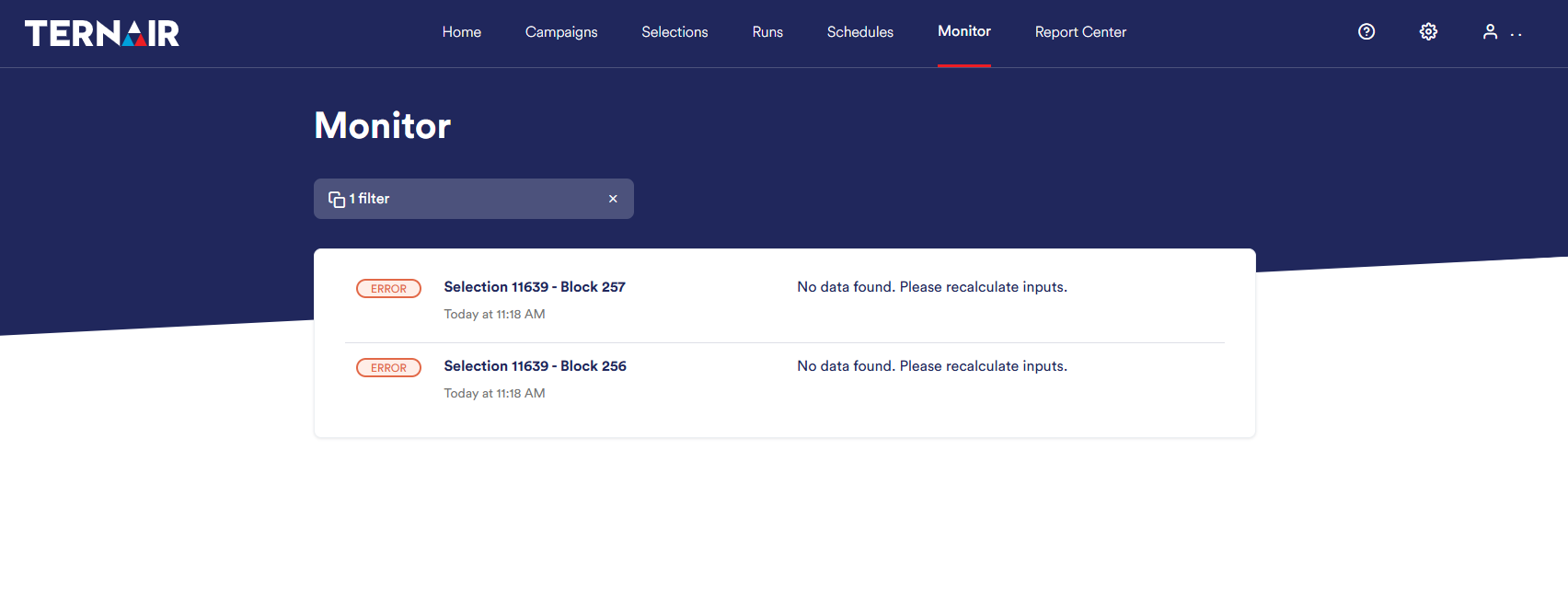
For each error, the following information is displayed:
Selection number and erroneous block number
Date and time of the error message
Error message
Clicking on line opens the erroneous block in the selection.