Managers
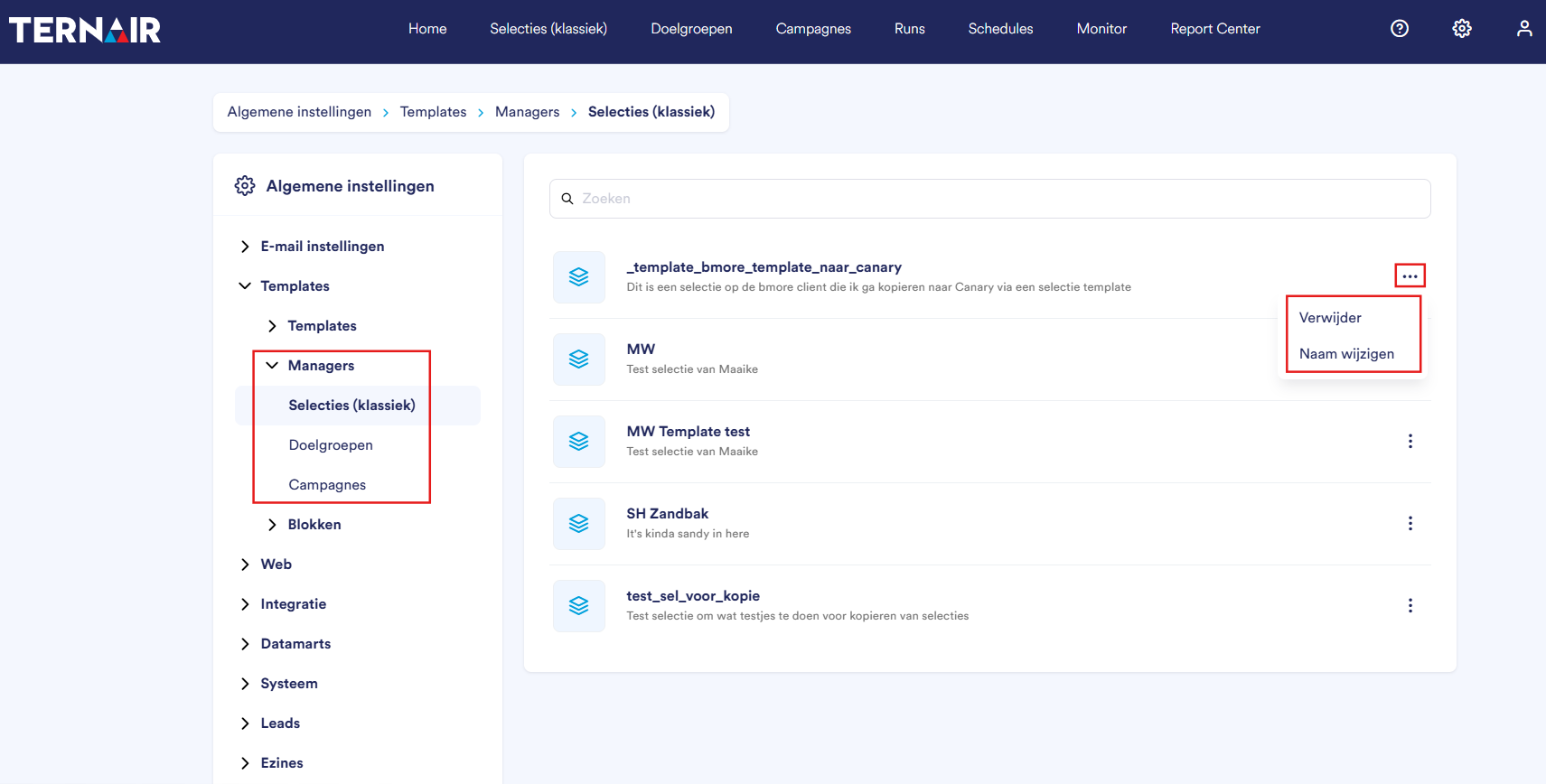
The "Managers" screen displays an overview of all flow templates in Ternair. A template manager is a saved version of an existing flow that can be used as the basis for a new selection, target audience, or campaign flow.
Template Managers
Under “Managers,” you’ll find complete selections, target audiences, and campaigns that have been saved as templates. This section consists of three overviews: Selections (Classic), Target Audiences, and Campaigns. For more information on saving a selection, target audience, or campaign as a template, see the relevant manual section.
You can delete or rename a template by clicking the three dots.
Reusing the Manager Template
Go to Selections (Classic), Audiences, or Campaigns in the main menu. Click the arrow next to “+ New” in the upper-right corner and choose the option to create a selection, audience, or campaign based on a template. Then select the desired template from the list.
