Start with Ternair
Introduction
Menu
Audience Manager (data)
Campaign Manager (channels & content)
Key path
Automation
Execute
Schedule
Webhook
Time zones
Reports
Email dashboard
Campaign calendar
Email conversion dashboard
Manage
Home
Selections (classic)
Audience Manager
Campagne Manager
Runs
Schedules
Overview
Search
Monitor
Campaign set
Operation Campaign
Overview
The Schedule screen provides an overview of all schedules within Ternair Campaign.
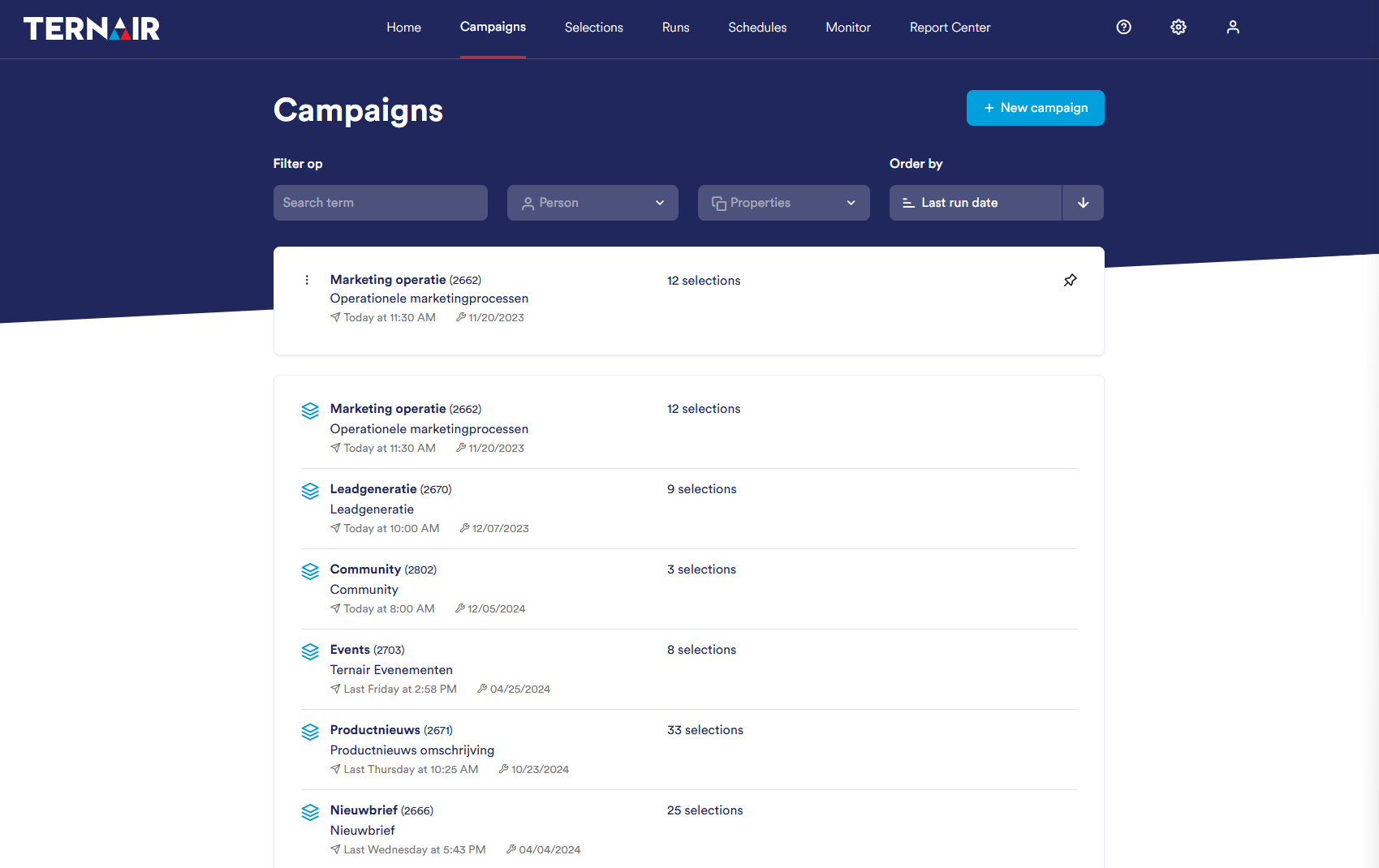
Standardly the schedules are sorted by most recent, with the most recent schedule at the top.
For each schedule, the following information is displayed:
Description and number of schedule
Block number and schedule of the schedule (one-time, recurring)
Date and time of next shipment
To quickly find the right schedule, you can use various filter options. A detailed explanation of how to use filters can be found in the manual section Schedule search.
