Start with Ternair
Introduction
Menu
Audience Manager (data)
Campaign Manager (channels & content)
Key path
Automation
Execute
Schedule
Webhook
Time zones
Reports
Email dashboard
Campaign calendar
Email conversion dashboard
Manage
Home
Selections (classic)
Audience Manager
Campagne Manager
Runs
Schedules
Monitor
Campaign set
Overview
Create
Manage
Search
Operation Campaign
Create
There are two options for creating a new campaign set:
Create a new campaign set from the campaigns set screen
Create a new campaign set from a selection
New campaign set
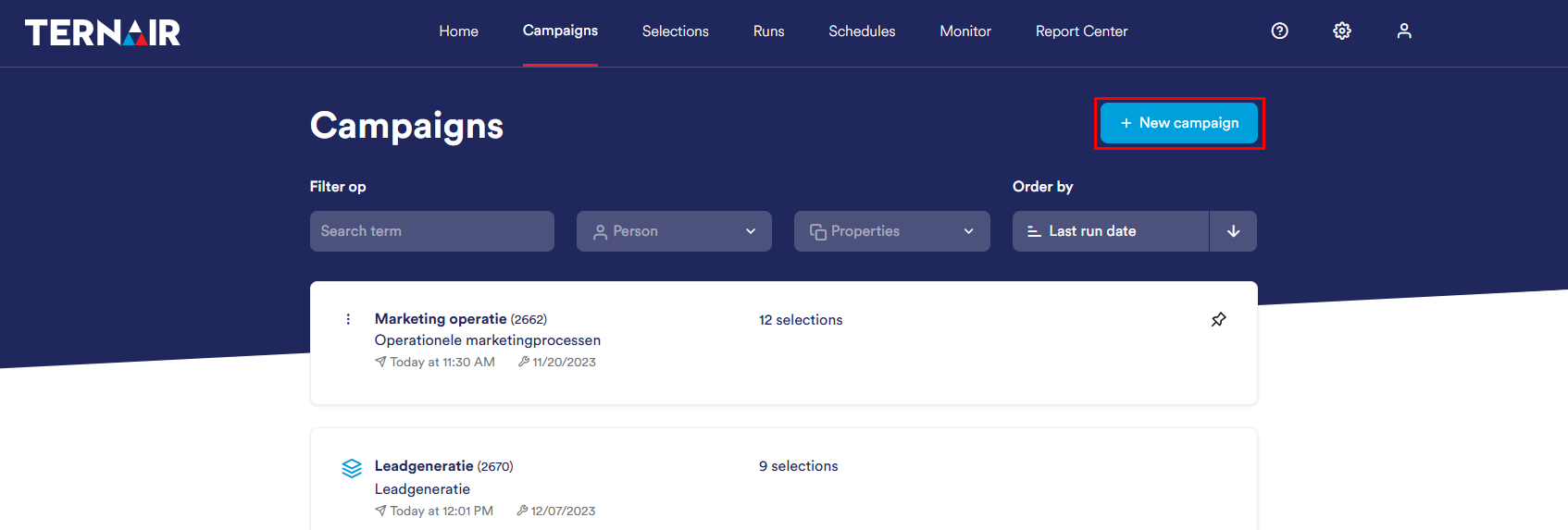
A new campaign set can be created by clicking the'+ New campaign sets' clicking on the campaign sets screen.
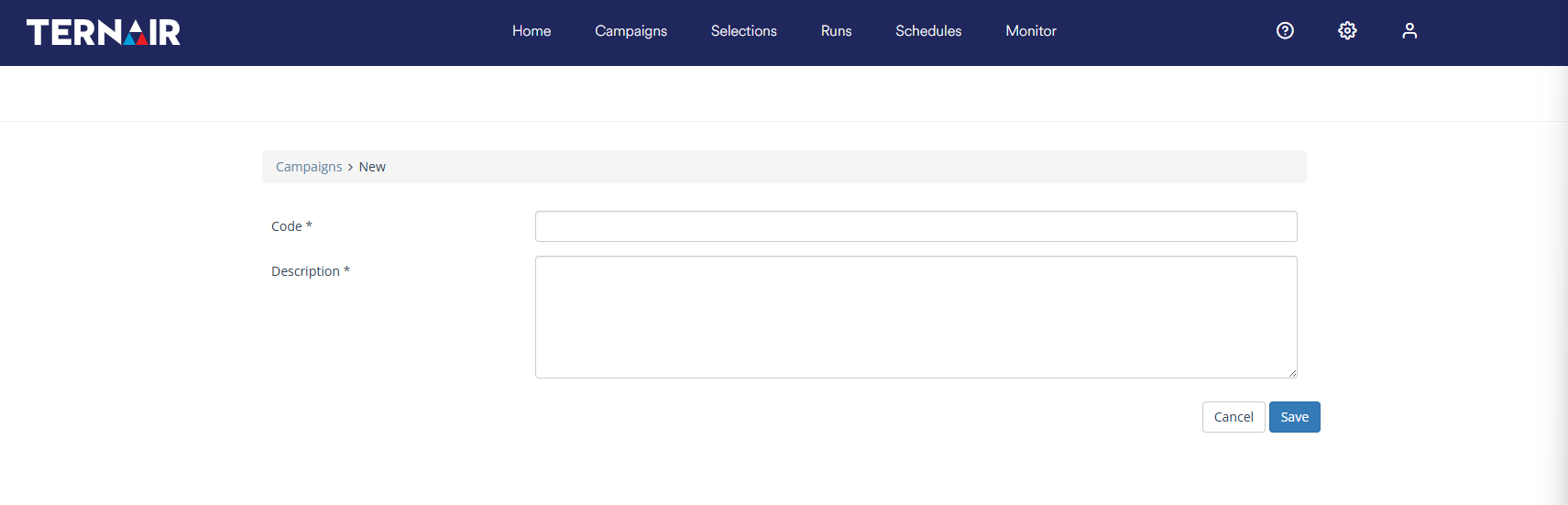
Enter a unique code (name) and description for the new campaign set and click 'save' to save the campaign set.
New campaign set from selection
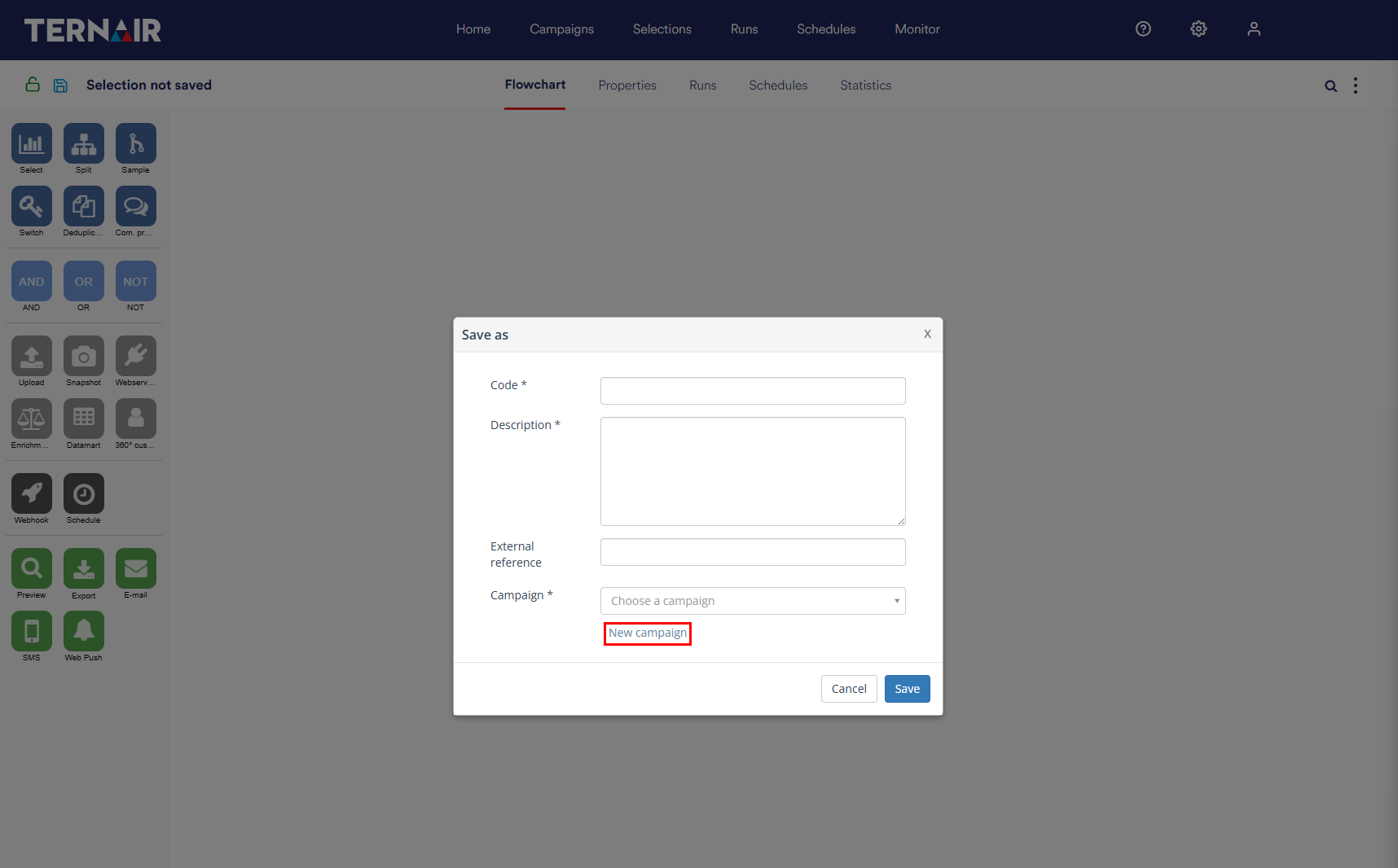
A new selection flowchart can be assigned to either a new or an existing campaign set. In the latter case, select "new campaign set" when saving the new selection flowchart.
A detailed explanation of how to create a new selection can be found in the manual section Creating selections.
Settings
Code and description selection
Give the selection a unique name and description. If an existing code is specified, the selection cannot be saved. The system will then display an error message.
External reference
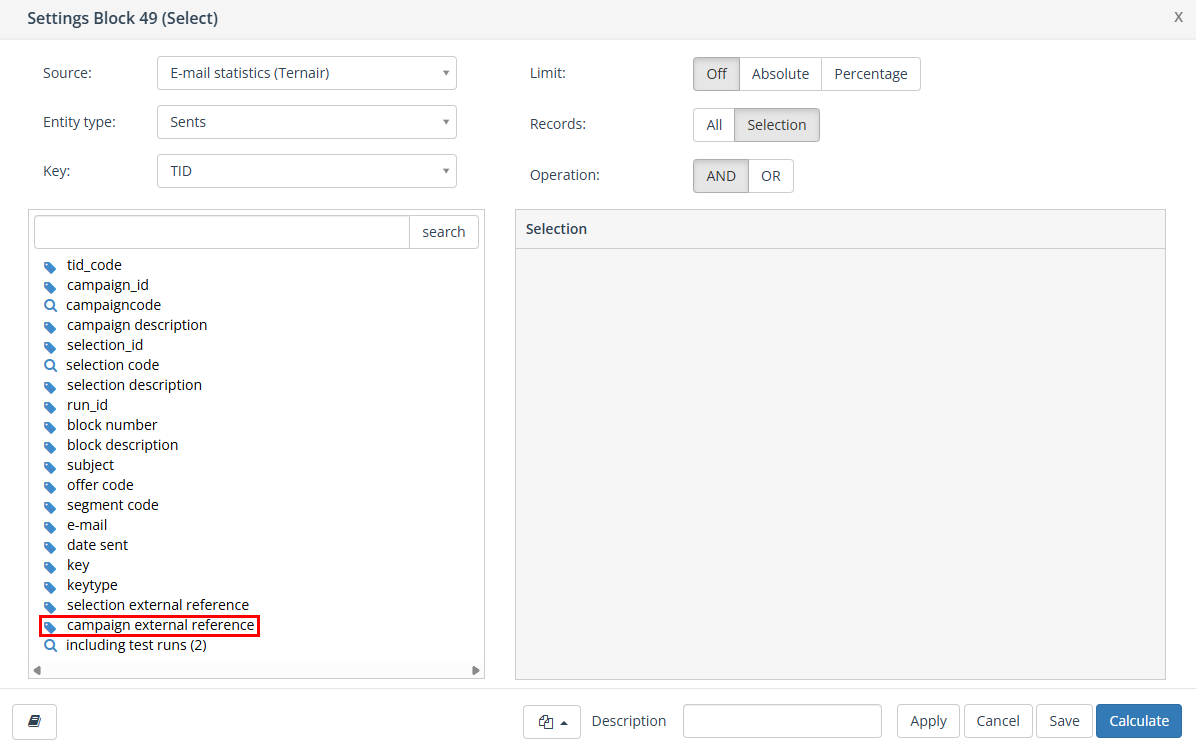
Optionally, you can include an external reference, such as a target set code. You can also select on this from the source 'Email Statistics'.
Code and description campaign set
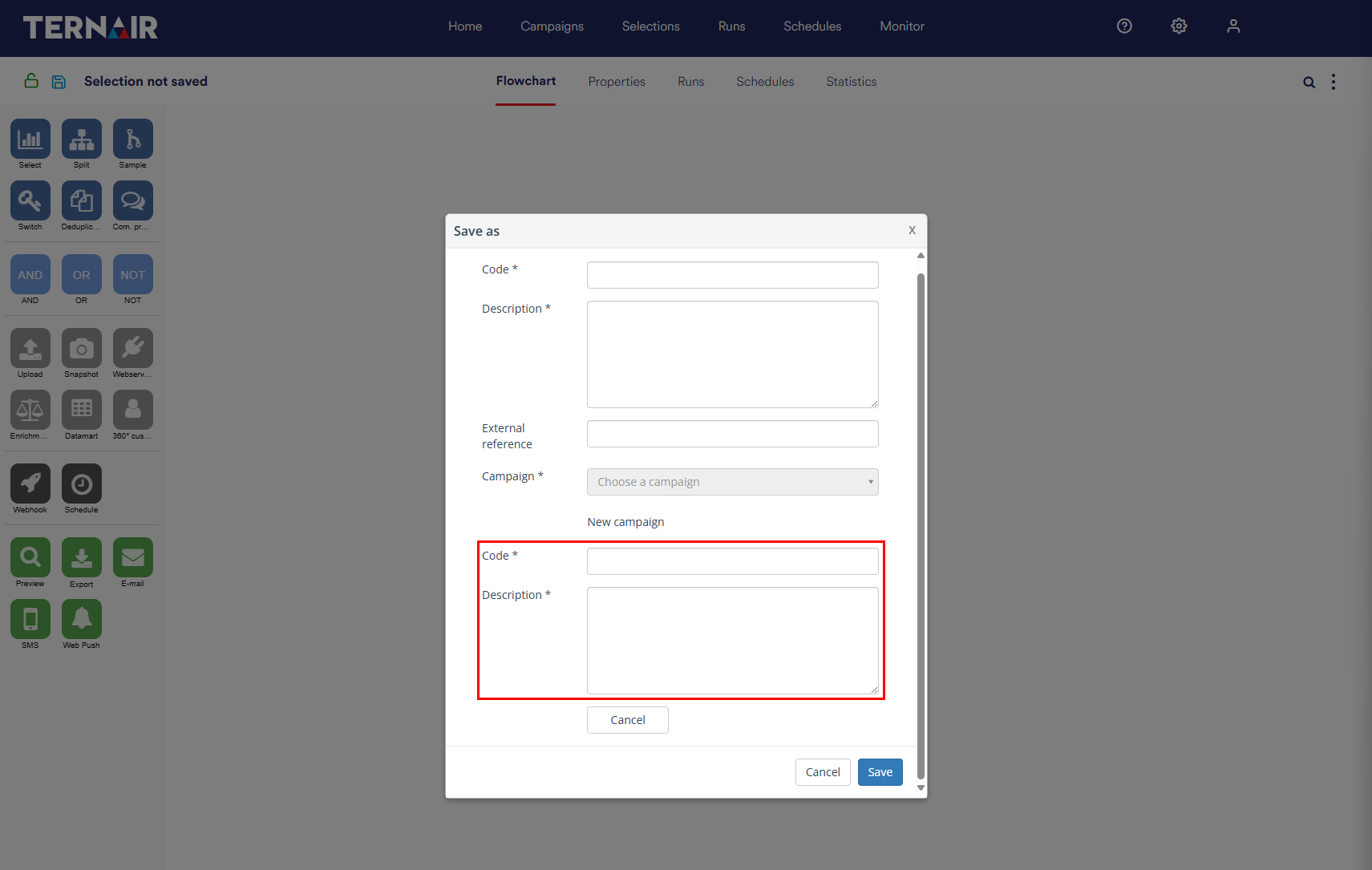
Then enter a campaign set code (name) and description.
The campaign set code (name) must be unique. If a campaign set code (name) is already in use elsewhere in the system a notification will be displayed in a red bar at the top of the screen. The campaign set description does not have to be unique.
Click the 'save' button to save the selection.