Start with Ternair
Introduction
Menu
Audience Manager (data)
Campaign Manager (channels & content)
Key path
Automation
Execute
Schedule
Webhook
Time zones
Reports
Email dashboard
Campaign calendar
Email conversion dashboard
Manage
Home
Selections (classic)
Audience Manager
Campagne Manager
Runs
Schedules
Monitor
Campaign set
Overview
Create
Manage
Search
Operation Campaign
Manage
When you open a campaign set, you get access to several tabs that allow you to manage the campaign set.

Each tab provides specific information and functionality:
Properties
This is where you manage the basic details of the campaign set, such as the name, description.Selections
This tab lists all the selections that are part of the campaign set. You can view, add or edit selections here.Runs
This view shows all the runs of the campaign set. This provides insight into when the campaign set was run and with what results.Schedules
Under this tab you will find an overview of all active schedules within the campaign set. You manage the scheduling of automatic runs here.Statistics
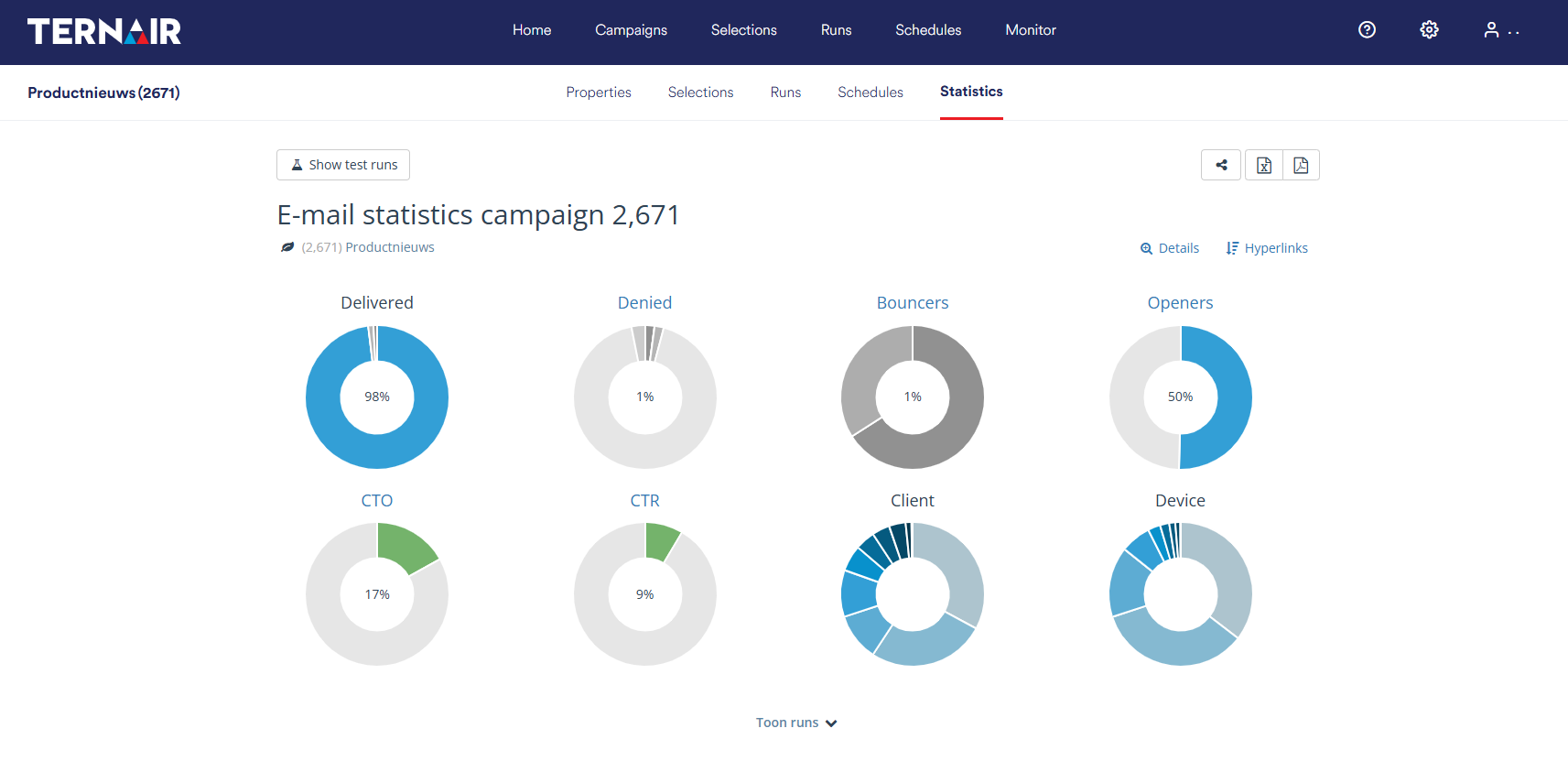
This tab shows statistics of all selections and runs within the campaign set. This gives you insight into the performance and reach of your campaign set.
Use these tabs to efficiently manage your campaign set and make targeted analysis or adjustments as needed.
Properties
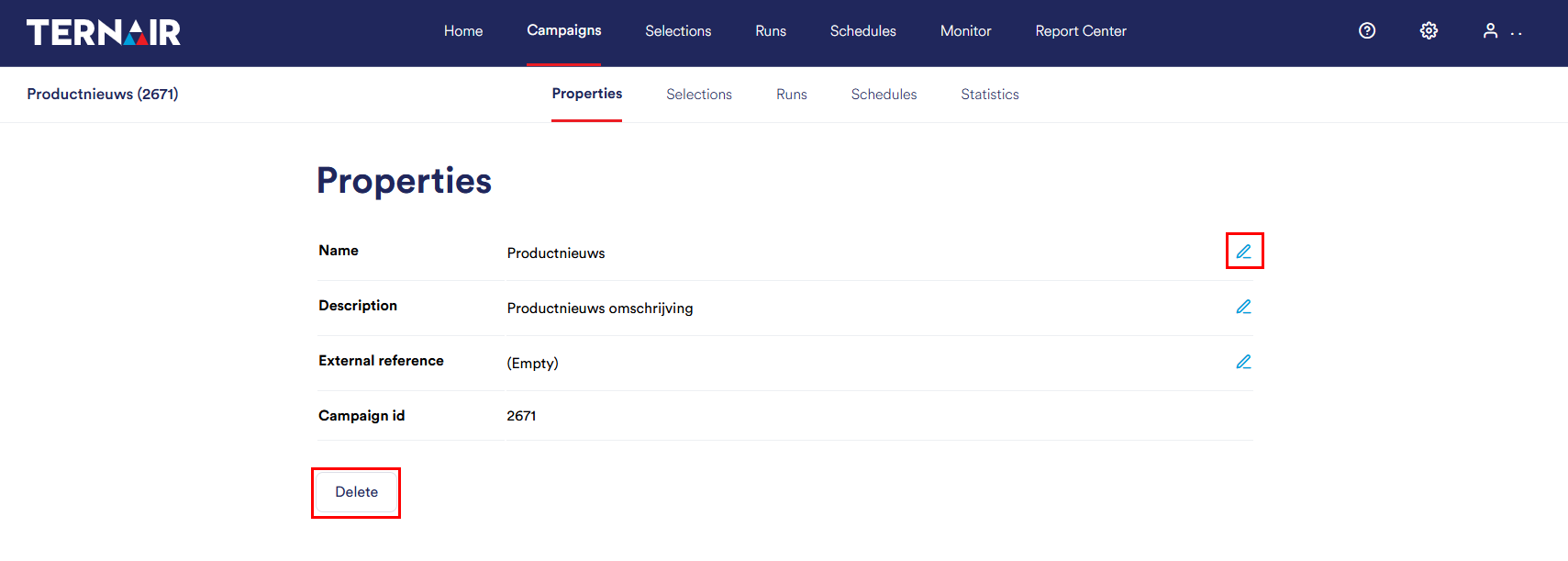
In the 'Properties' tab, the properties of a campaign set can be customized.
Campaign set rename
The campaign set name, description and reference can be modified by clicking on the icon behind the name/description/reference. Please note that the campaign set name must be unique if the name of a campaign set is modified.
Delete Campaign set
A campaign set can be deleted by clicking on 'Delete' at the bottom of the Properties screen. After a confirmation message is displayed, the campaign set will be deleted.
It is only possible to delete a campaign set if there are no selections associated with the campaign set.
Selections
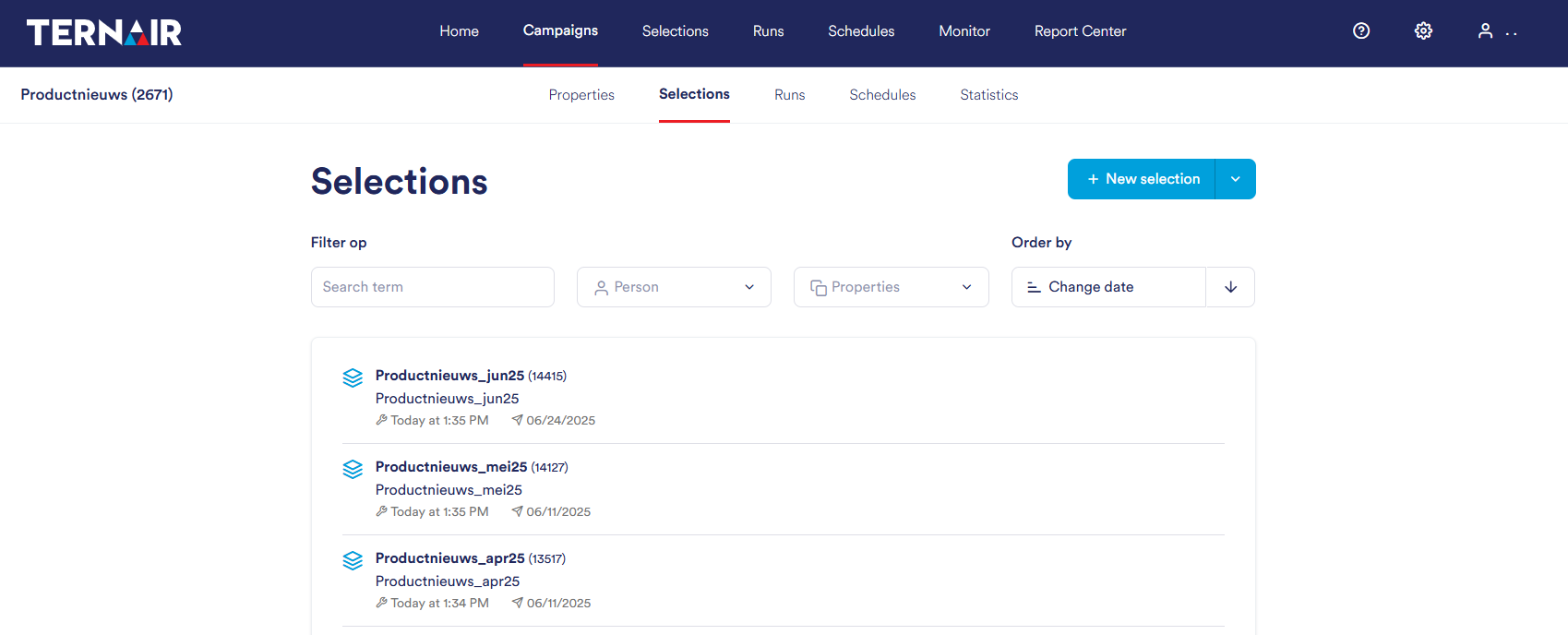
The Selections tab displays an overview of all selections that are part of the campaign set. Using the filters at the top of the screen, you can easily search for a specific selection.
For more information on setting up and managing selections, see the manual section Selections.
Runs
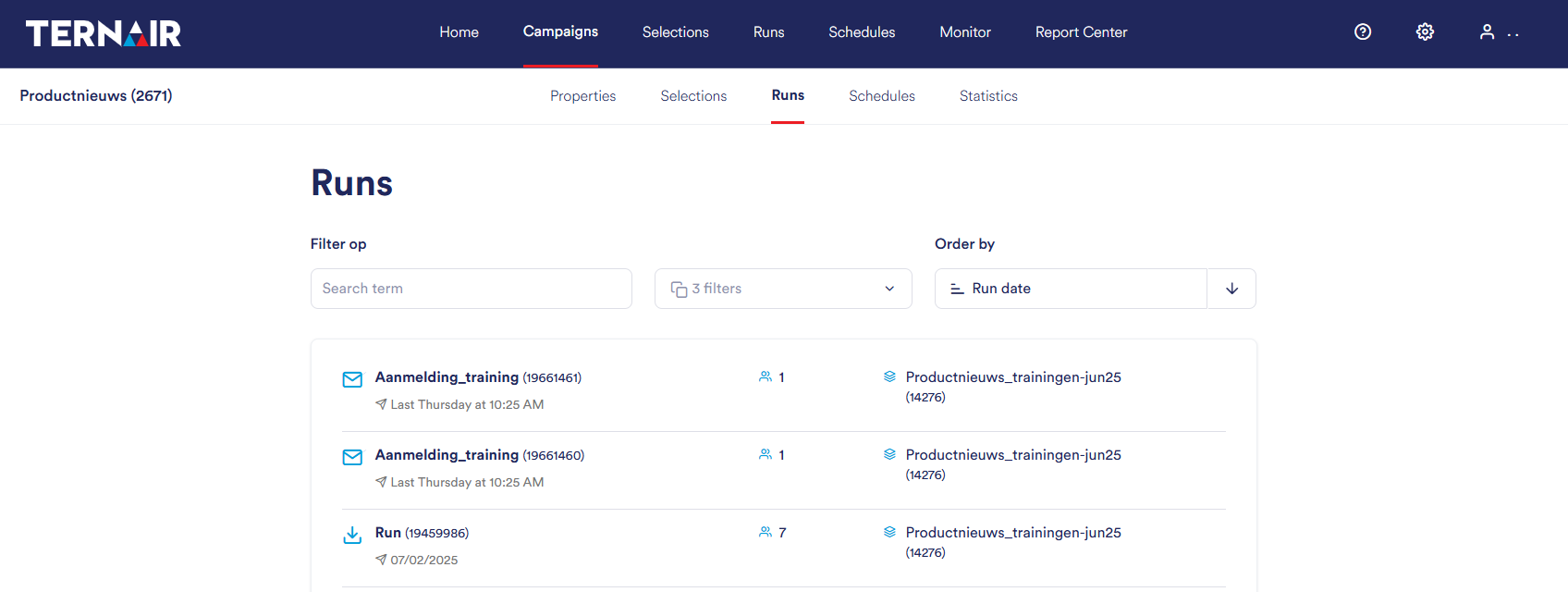
The Runs tab lists all the dispatches (runs) within a campaign set. The filters at the top of the screen allow you to quickly search for a specific run.
A symbol is displayed next to each run that indicates what type of execution it is, such as an email, export or webhook. This gives you insight into the type of run at a glance.
For more information on setting up and managing runs, see the manual section Runs.
Schedules
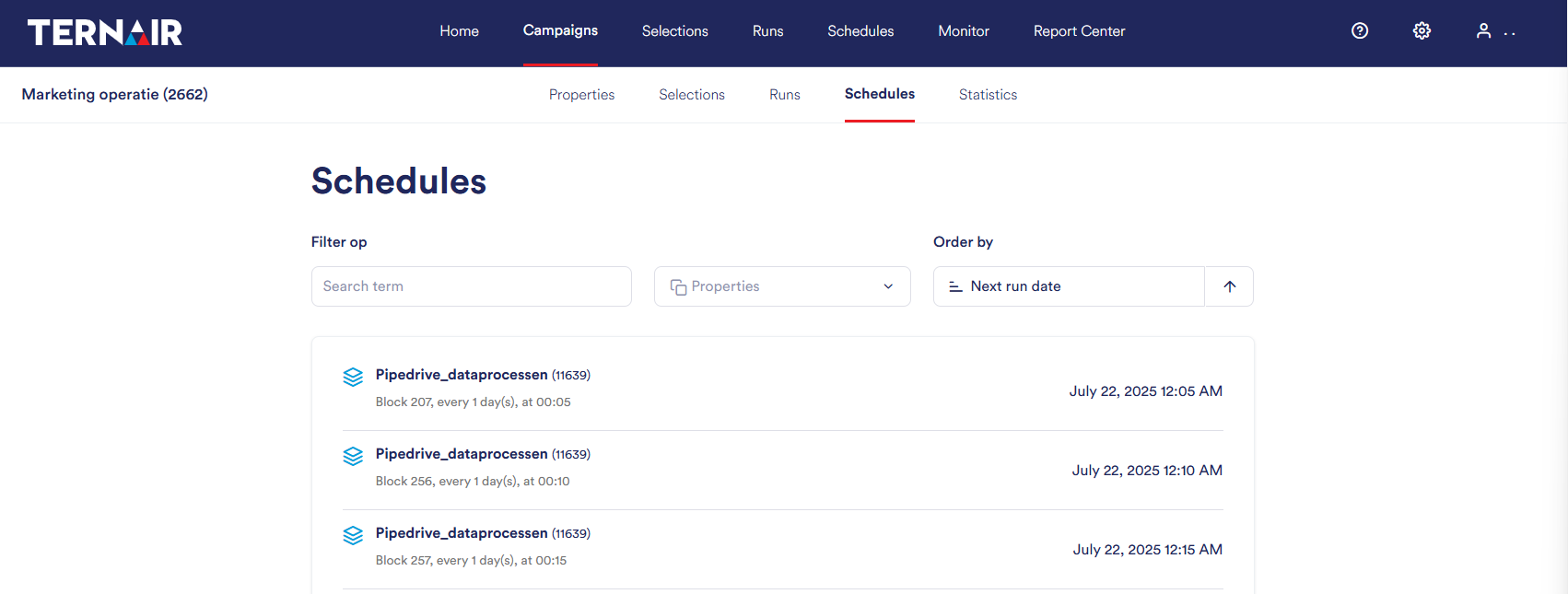
The Schedules tab displays a list of all active schedules within a campaign set. Using the filters at the top of the screen, you can quickly search for a specific schedule.
For each schedule, it shows when the campaign sets will run automatically and which blocks will be deployed at what time in the process.
For more information on setting up and managing schedules, see the manual section Schedules.
Statistics
The Statistics tab displays a summary of the performance of all selections and runs within the campaign set. Click on Show runs to view the results of individual runs.
For a detailed explanation of statistics, see the manual section Reports.