Start with Ternair
Introduction
Menu
Audience Manager (data)
Campaign Manager (channels & content)
Key path
Automation
Execute
Schedule
Webhook
Time zones
Reports
Email dashboard
Campaign calendar
Email conversion dashboard
Manage
Home
Selections (classic)
Overview
Create
Manage
Search
Open
Lock
Template
Audience Manager
Campagne Manager
Runs
Schedules
Monitor
Campaign set
Operation Campaign
Open
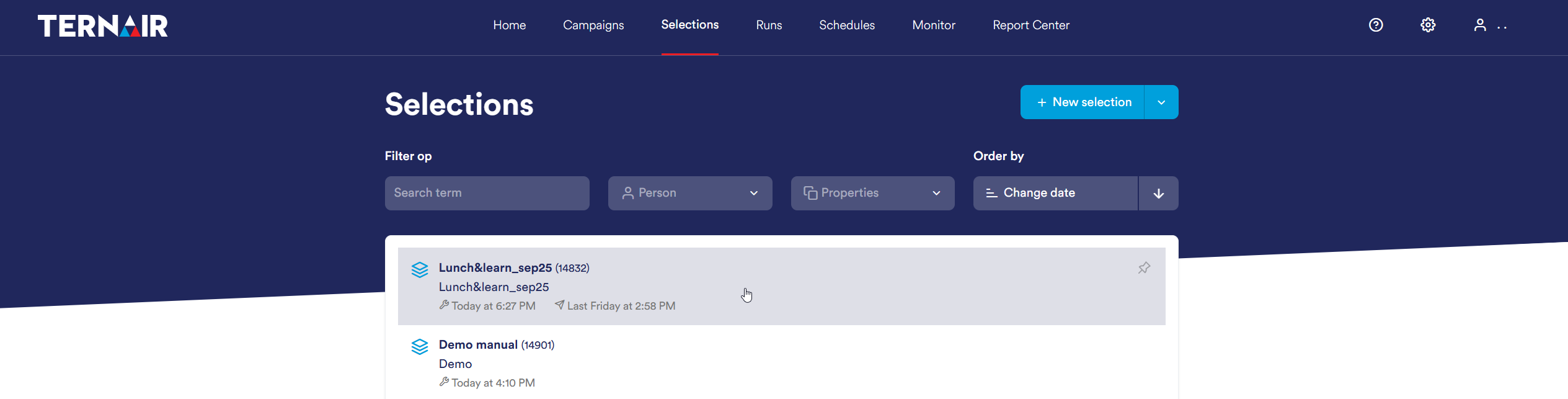
You can open a selection flowchart by clicking on the name of the selection.
Unlocking selection flowchart
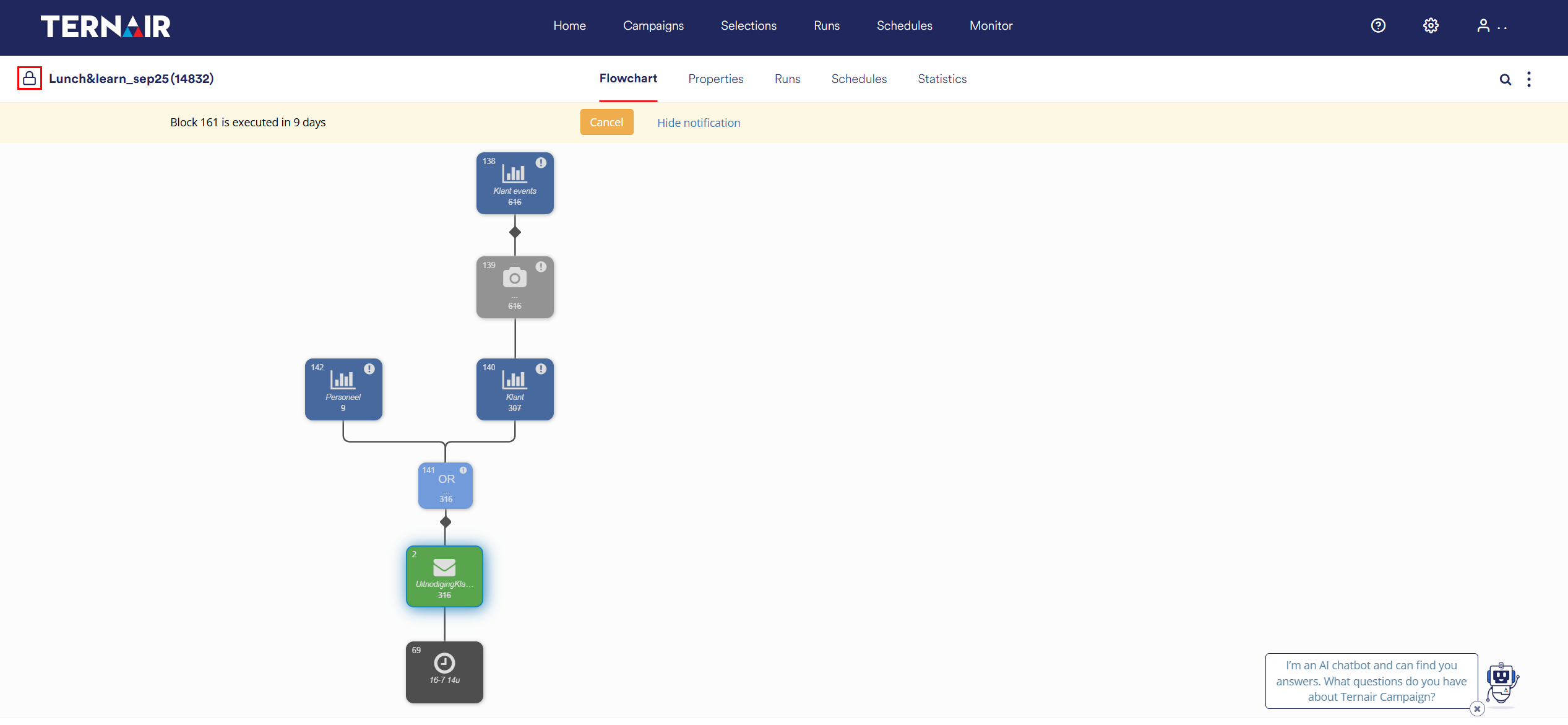
Existing selection flowcharts are always opened in read-only mode (protected view). To edit a flowchart, click the lock icon.
When a user unlocks a selection, it is locked for all other users.
Edit selection flowchart
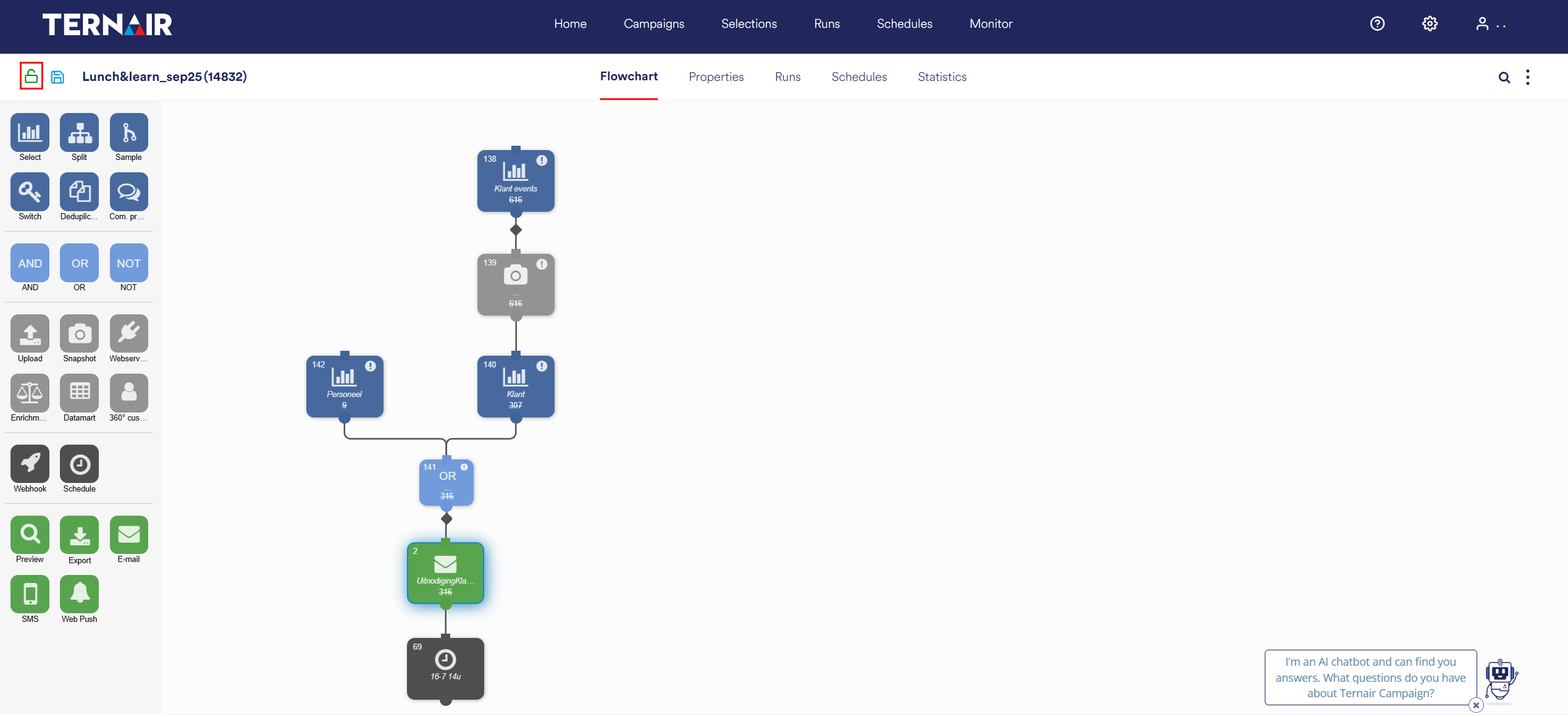
After clicking on the lock icon, you can customize the selection flowchart.
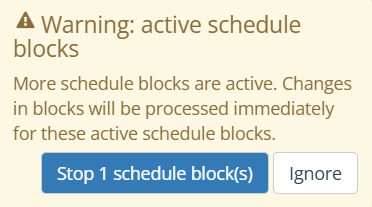
When a schedule is active in an existing selection flowchart, the pop-up window below appears:
Click 'Stop 1 Schedule(s) blocks' to open the existing selection flowchart and stop the schedule.
Click 'Ignore' to open the selection flowchart while the schedule(s) remain active.
After choosing one of these options, the menu on the left side of the screen appears and the selection flowchart can be edited.