Start with Ternair
Introduction
Menu
Audience Manager (data)
Campaign Manager (channels & content)
Key path
Automation
Execute
Schedule
Webhook
Time zones
Reports
Email dashboard
Campaign calendar
Email conversion dashboard
Manage
Home
Selections (classic)
Overview
Create
Manage
Search
Open
Lock
Template
Audience Manager
Campagne Manager
Runs
Schedules
Monitor
Campaign set
Operation Campaign
Template
You can create a template from an existing selection flowchart so you can easily reuse it.
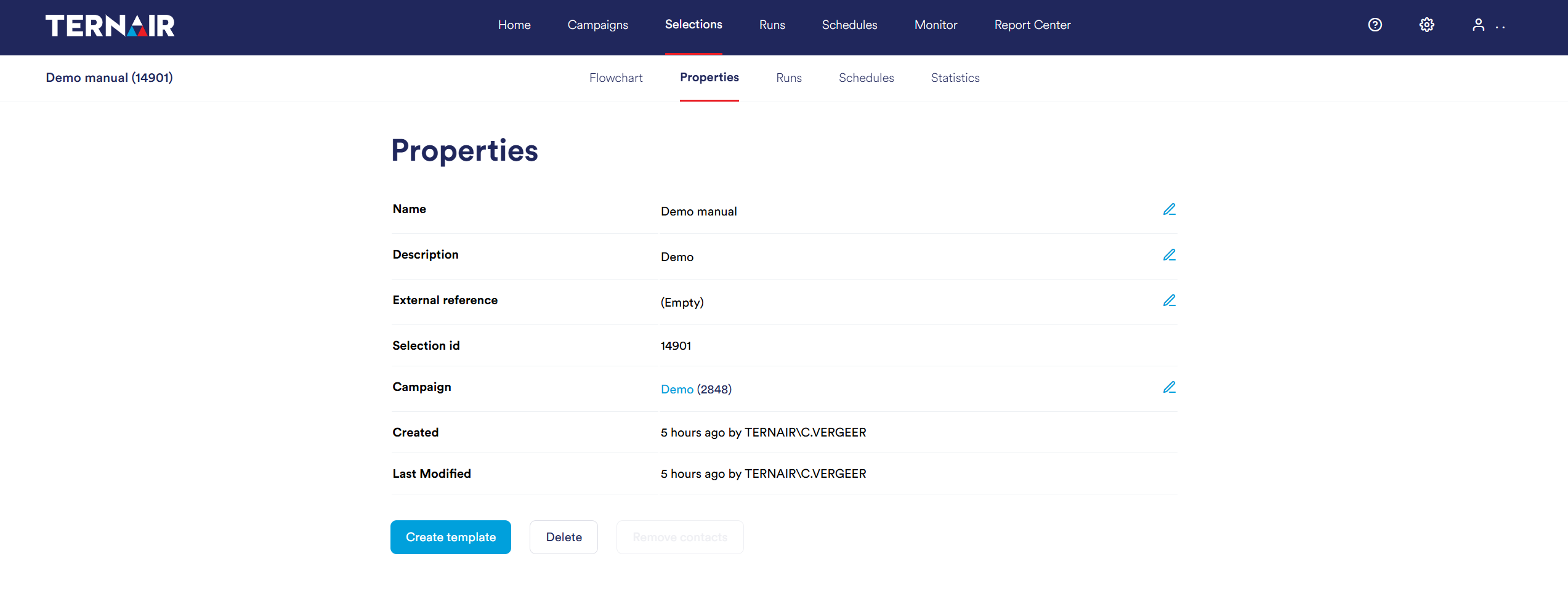
Open a selection flowchart and in the properties screen, click the blue button 'Create Template'.
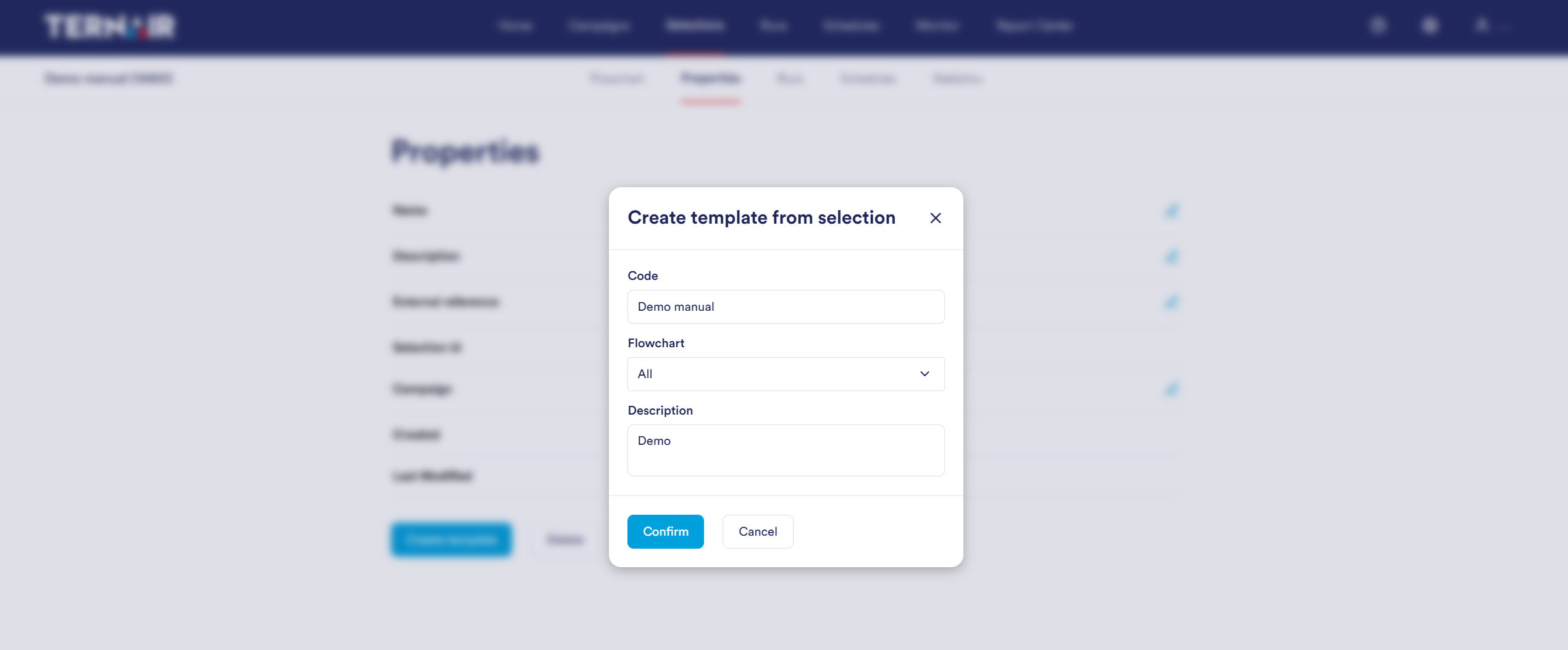
Specify the name (code), choose the flowchart (all tabs or a specific tab) and add a description for the new selection template.
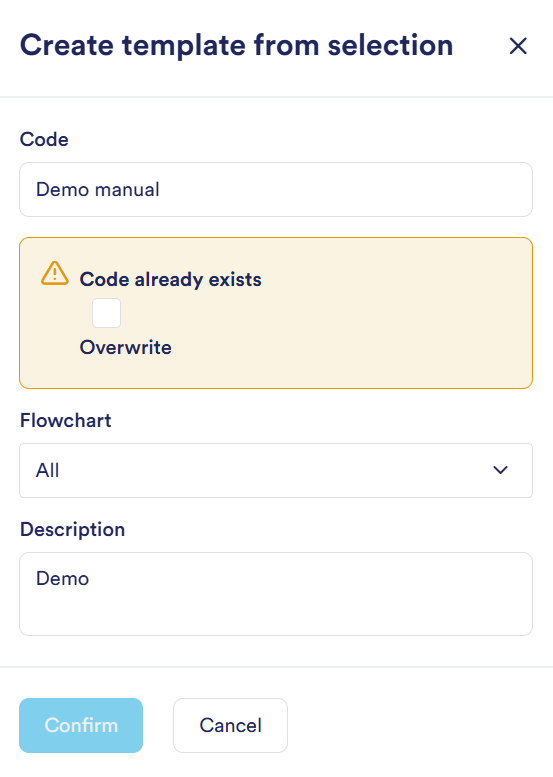
If a template with the same name already exists, you will get a message and be prompted to overwrite the existing template. If you do not want this, you can modify the code to keep the existing template.
A selection template can be opened by creating a new selection flowchart based on a template. For more information about opening one of a new selection based on a template, see the manual section Create selection.