Start with Ternair
Introduction
Menu
Operation Campaign
Working with blocks
Connecting blocks
Grouping blocks
Add Memo
Signal
Context menus
Settings
Coding information
Audience Manager (data)
Campaign Manager (channels & content)
Key path
Automation
Execute
Schedule
Webhook
Time zones
Reports
Email dashboard
Campaign calendar
Email conversion dashboard
Manage
Add Memo
A memo can be used to add additional information to a block or group. For example, a memo can contain a description or explanation of the contents of a block/group.
Right-click on the item (block or group) to which you want to add a memo and select "Edit Memo."
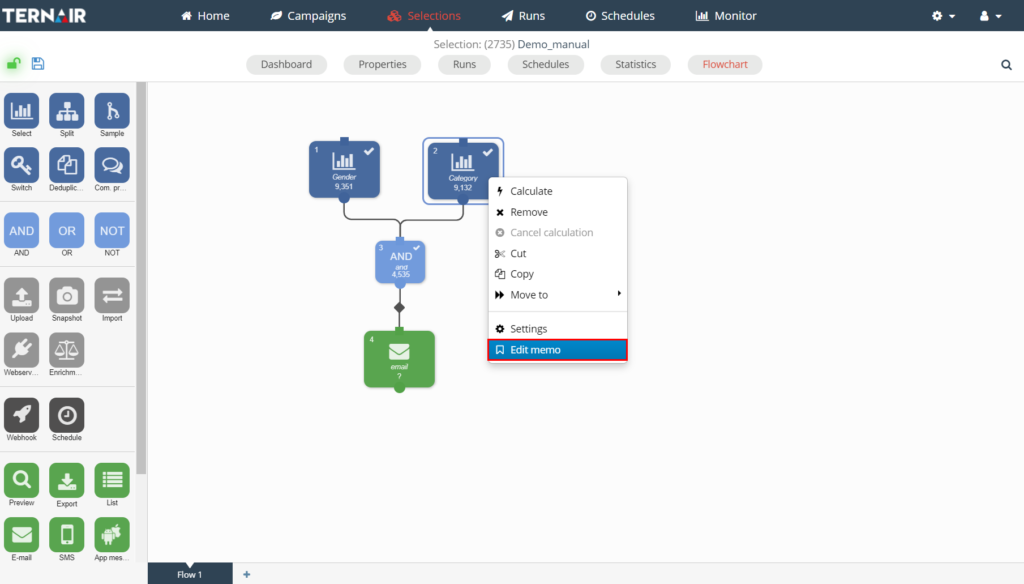
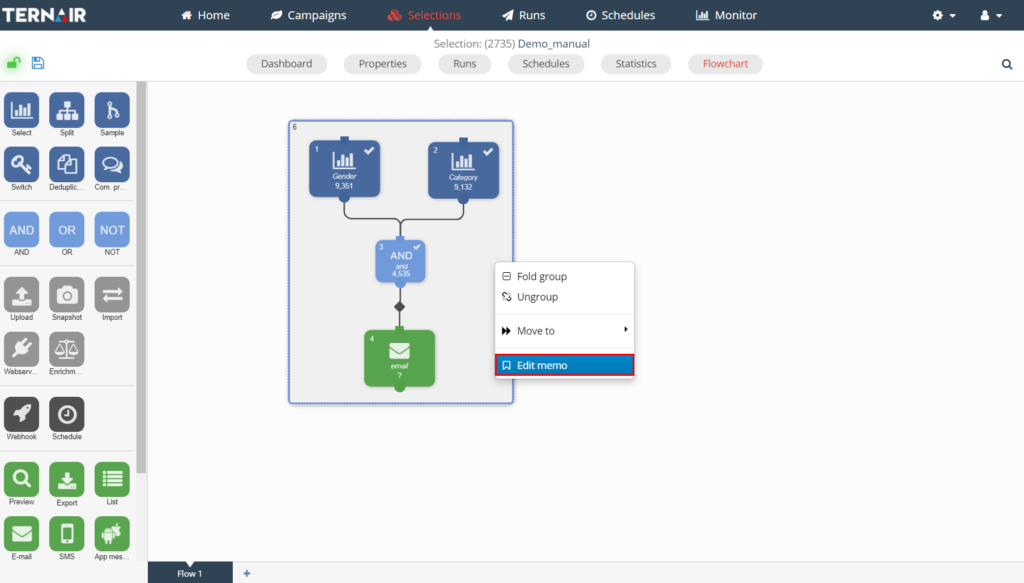
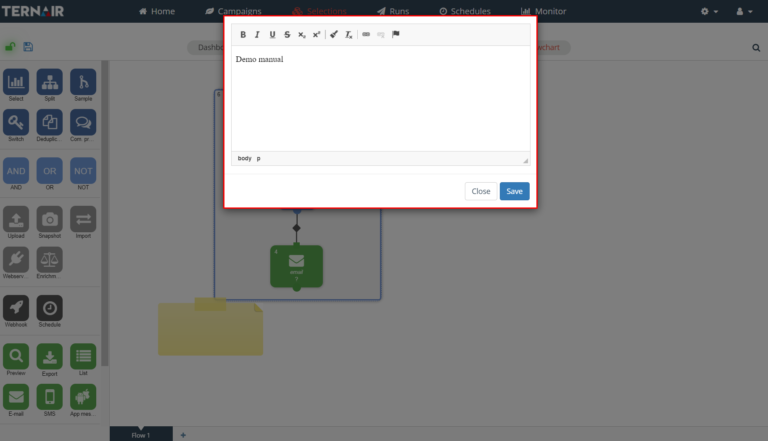
In the pop-up you can edit the contents of the memo.
The memo will then appear as a post-it on the item to which it has been added. Click on the memo or use the context menu to collapse the memo.
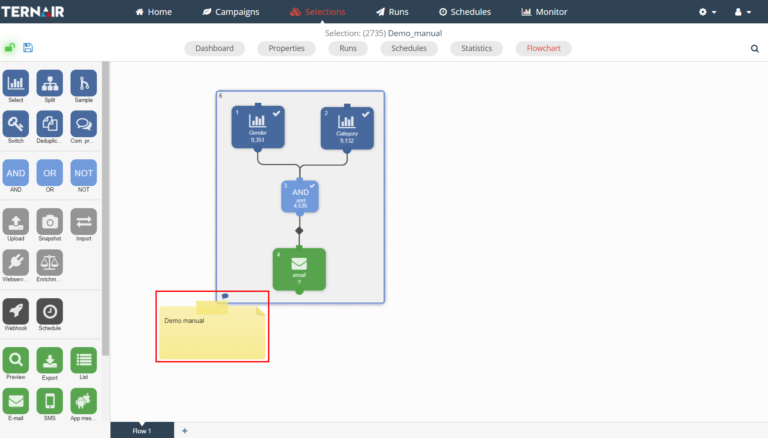
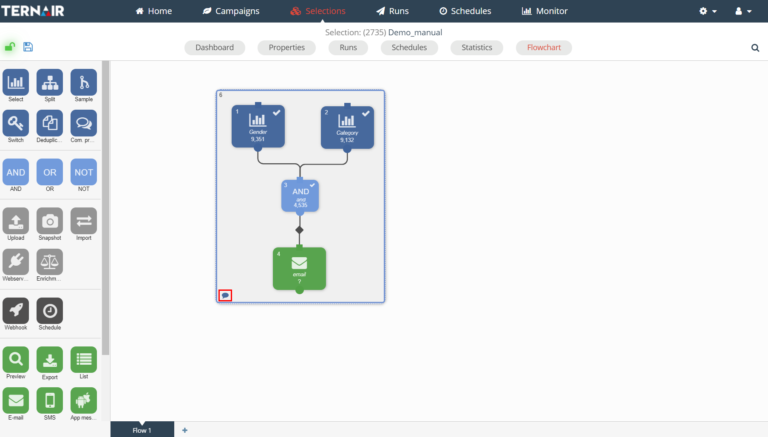
An item that contains a memo is easily identified by the small speech bubble at the bottom left of the item.
Deleting all text from a memo allows the memo to be deleted.