Audiences
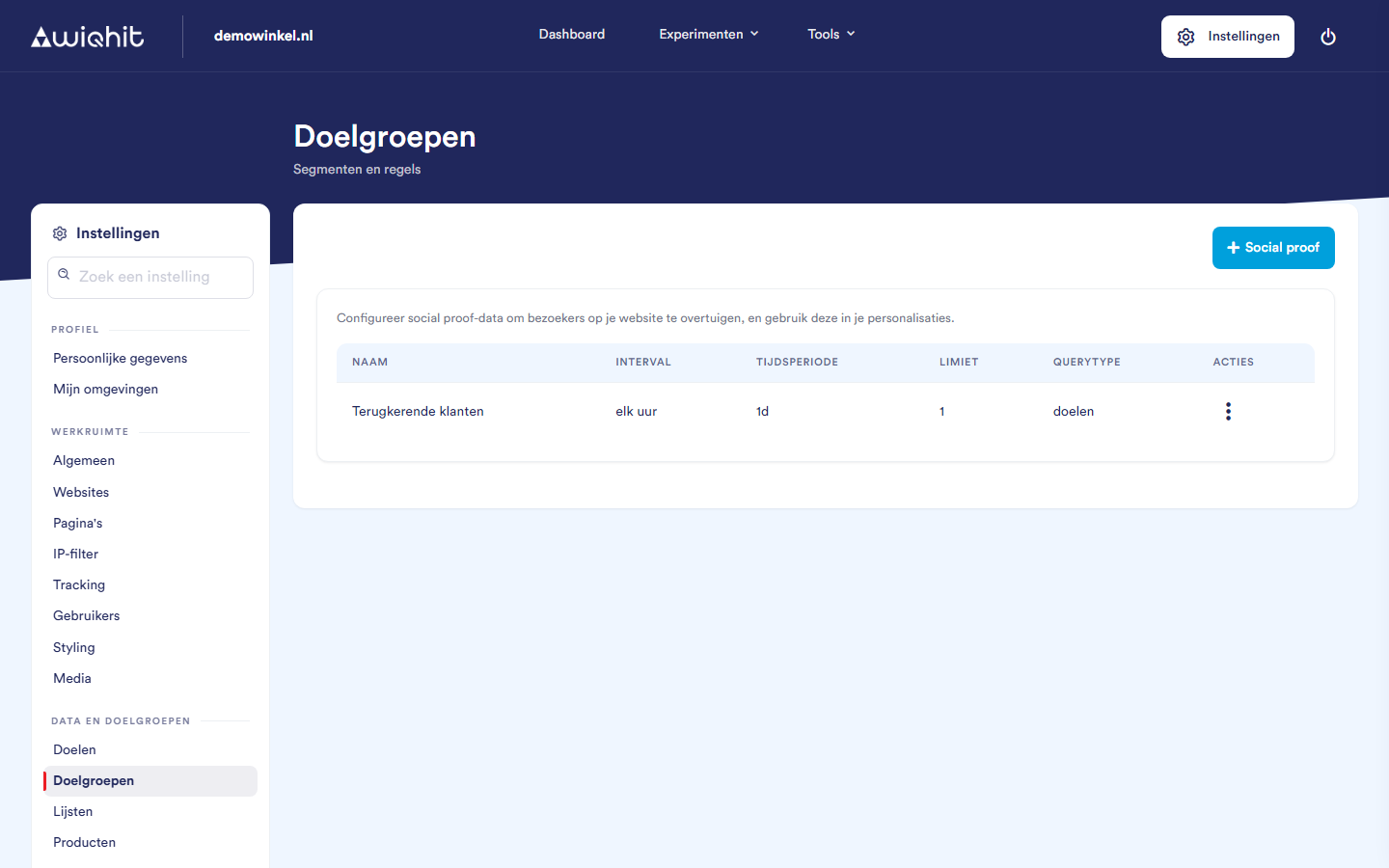
The overview
Name.
Interval: how often the figure is recalculated.
Time period.
Limit.
Query type: what is counted.
Creating a social proof
Click + Social proof.
In the Basic step, enter a Name and click Next.
In the Query step, choose a Query type. For some types, you then enter under Specified what to filter on, for example a category name.
Choose the Time period with the slider or one of the buttons (1 to 365 days). For most query types, this sets how many days WiQhit looks back.
Under Limit, enter a number of at least 1. The limit determines how many results the calculation returns.
Click Next.
In the Timing & review step, choose the Interval: every 5 minutes, every hour, daily, weekly or monthly. A summary is shown at the bottom.
Click Create.
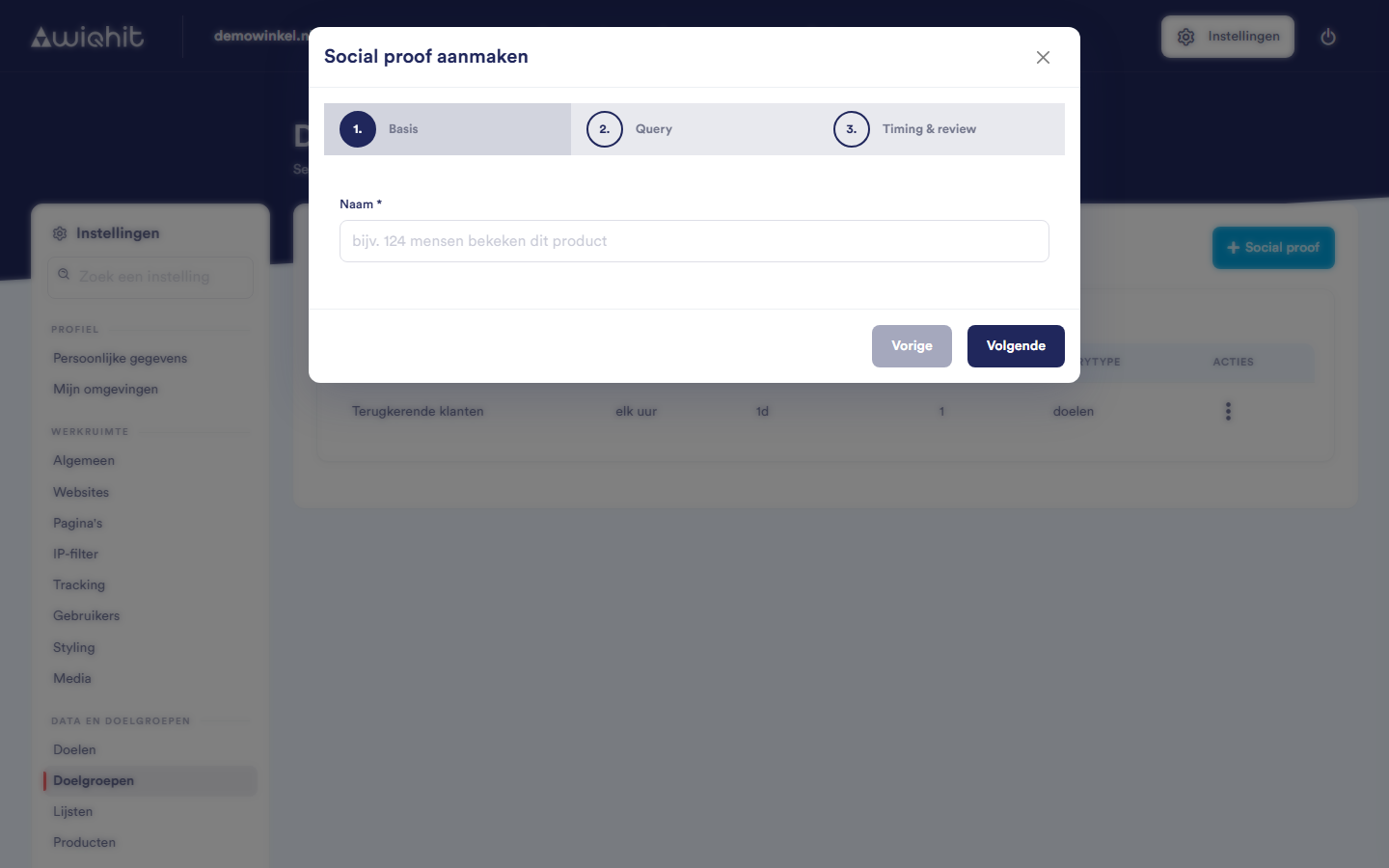
Important: You cannot change the name later.
Query types
Visitors: number of visits, number of buyers (the number of orders) and latest buyers (the place and region of the visitors who most recently achieved a goal).
Products: number of product views, purchased products, specific purchased products, favourite products (the most viewed products), favourite products in a category, favourite purchased products and reviews. There is also an option for specific product views (number of product views for a specific category).
Advanced: goals, the number of times a goal has been achieved. Which goals exist is set under Goals.
Note: If you want to use number of product views for a specific category or reviews, contact WiQhit to set it up.
Using the outcome
Editing or deleting a social proof
After the social proof, click ⋮.
Choose Edit or Delete.
Considerations
For latest buyers, the Time period is not applied.
When editing, you can change everything except the name.