Pages and page types
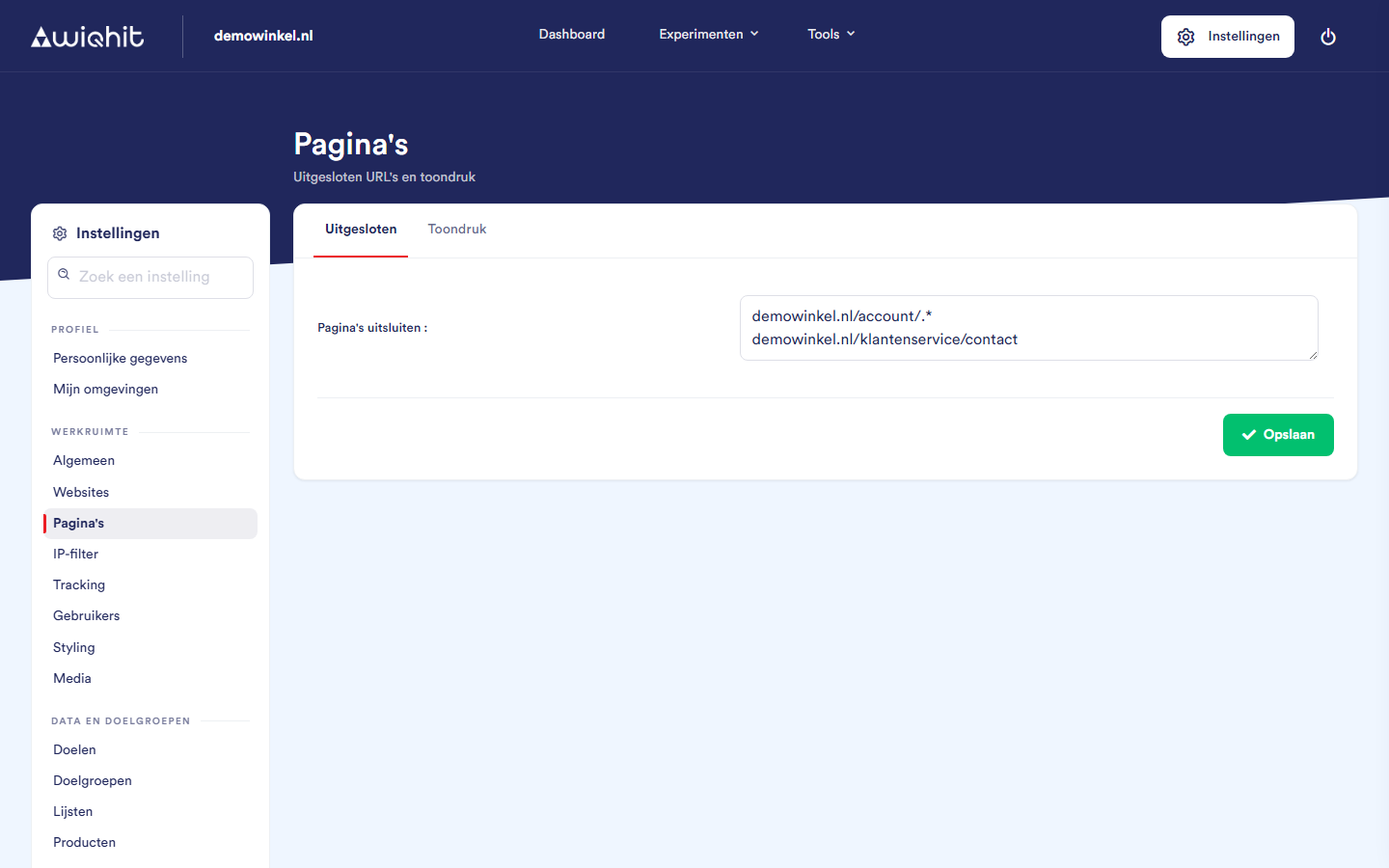
Excluding pages
Click the Excluded tab.
In Exclude pages, enter one URL per line.
Click Save.
Leave out
https://and do not use spaces: WiQhit removes them when saving.WiQhit compares with the domain plus the path. Query string and hash do not count, upper and lower case do.
A line counts if the address ends with it.
demowinkel.nl/checkoutexcludeswww.demowinkel.nl/checkout, but notdemowinkel.nl/checkout/betalen.To exclude everything under a path, add
.*after it:demowinkel.nl/account/.*.
Allowing an excluded page again
Remove the page's line from Exclude pages.
Click Save.
Setting the display pressure
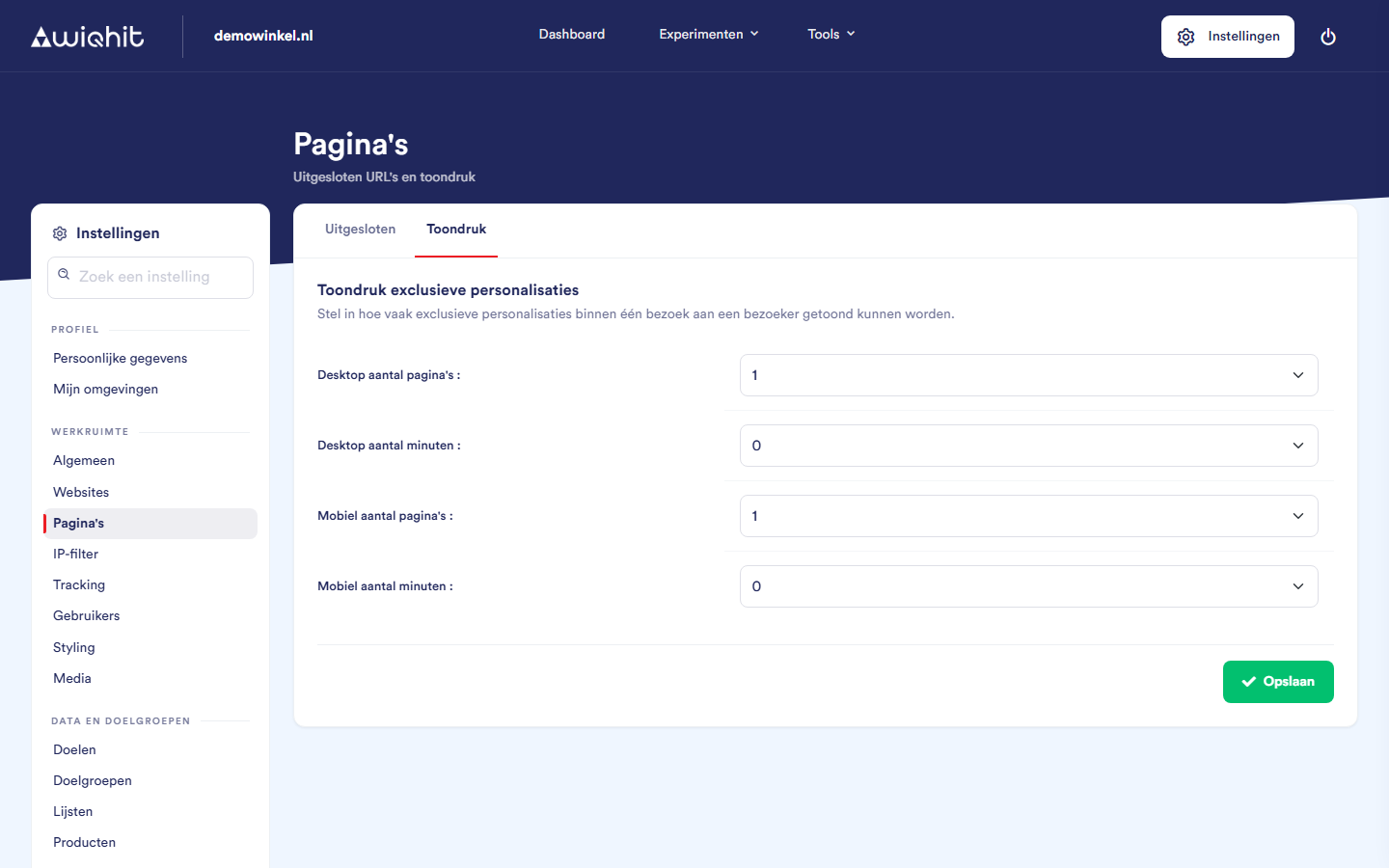
Click the Display pressure tab.
Enter the values:
Number of pages: how many pages further a visitor must be before the next exclusive personalisation may appear.
Number of minutes: how much time there must be at least between two exclusive personalisations.
Click Save.
0 that requirement is dropped. There are separate values for desktop and mobile.
Important: If you use a different display pressure on mobile than on desktop, contact WiQhit before you save these settings.
Page types
A page is recognised via a URL match (a regular expression on domain plus path), via a Content match (a CSS selector that occurs on the page) or via an Enhanced E-commerce match (from the dataLayer, only for category and product pages).
If a page matches more than one page type, the type with the highest ID wins. A new page type gets the next available ID and therefore takes precedence over all existing ones.
IDs 1 to 6 are fixed: home, category, product, shopping cart, checkout and order. A page with ID 6, for example, counts as a completed order. You cannot delete these types.
With CMS presets you set up the page types for your webshop system in one go, for example Magento, Shopify or WooCommerce.
Important: A CMS preset overwrites your own adjustments to the page types.
Tip: In the app, click How does a page get its page type? for more explanation and examples.