Data Platform and Ternair Campaign
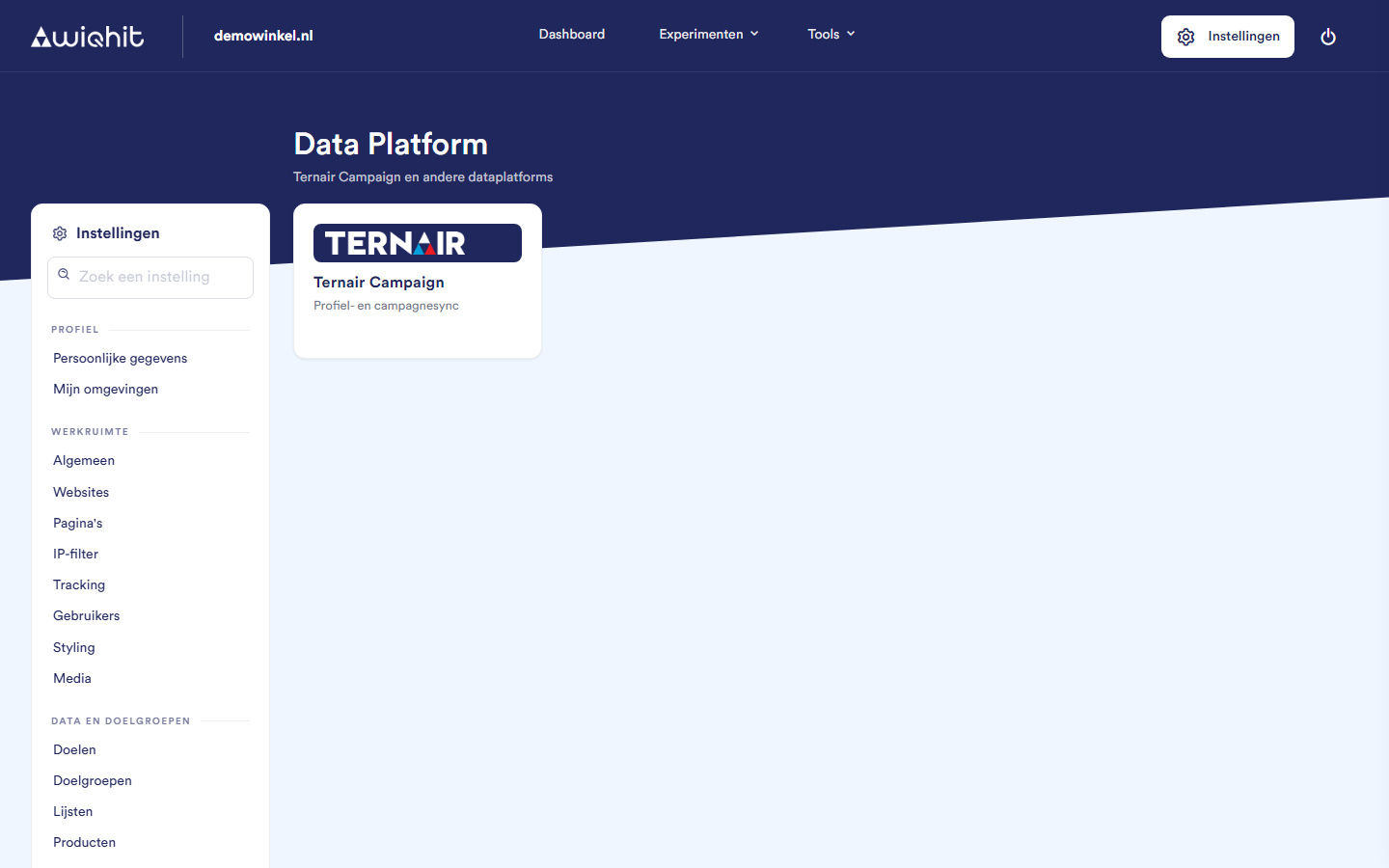
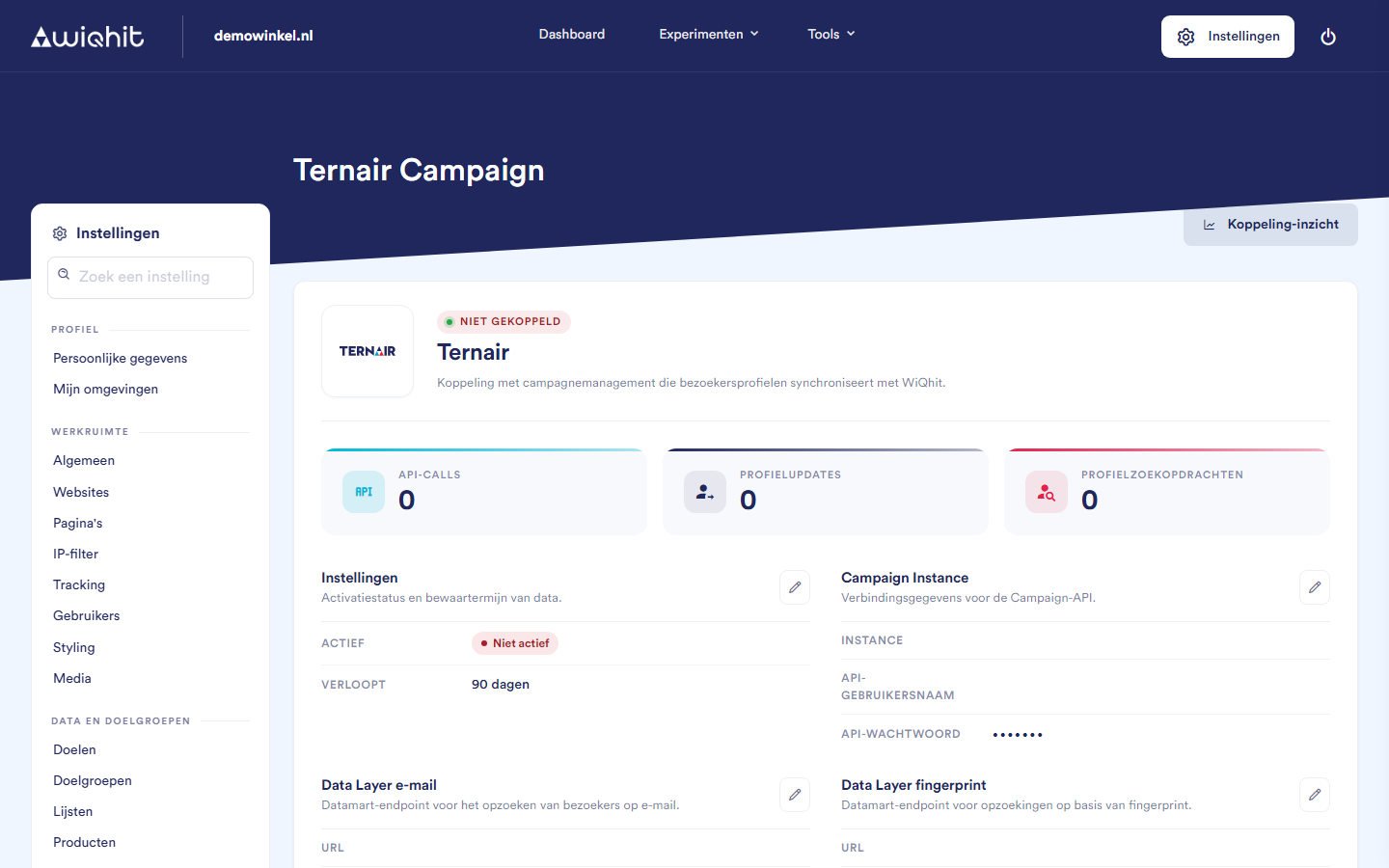
The Ternair Campaign screen
Settings: turn the integration on or off (Active) and determine how long WiQhit keeps the Ternair data on the profile (Data expiration, in days).
Campaign Instance: the instance of your Ternair Campaign environment, an API user name and an API password. With these, WiQhit recognises visitors who click a link in a Ternair email. This also requires the details of Data Layer email.
Data Layer email: the URL of the data mart endpoint, the Key ID for email and your data mart API key. With these, WiQhit looks up a visitor based on their email address.
Data Layer fingerprint: the URL, the Key ID for fingerprint, your API key and the name of the email field in the data mart. With these, WiQhit looks up a visitor based on their fingerprint.
Note: You get these details from Ternair. Only fill in the blocks for which you have received details. For other ways of recognising visitors, ask Ternair which details are needed.
Connecting Ternair Campaign
Click the pencil icon next to Campaign Instance.
Fill in the fields and click Edit to save.
Repeat steps 1 and 2 for Data Layer email and Data Layer fingerprint, if you have those details.
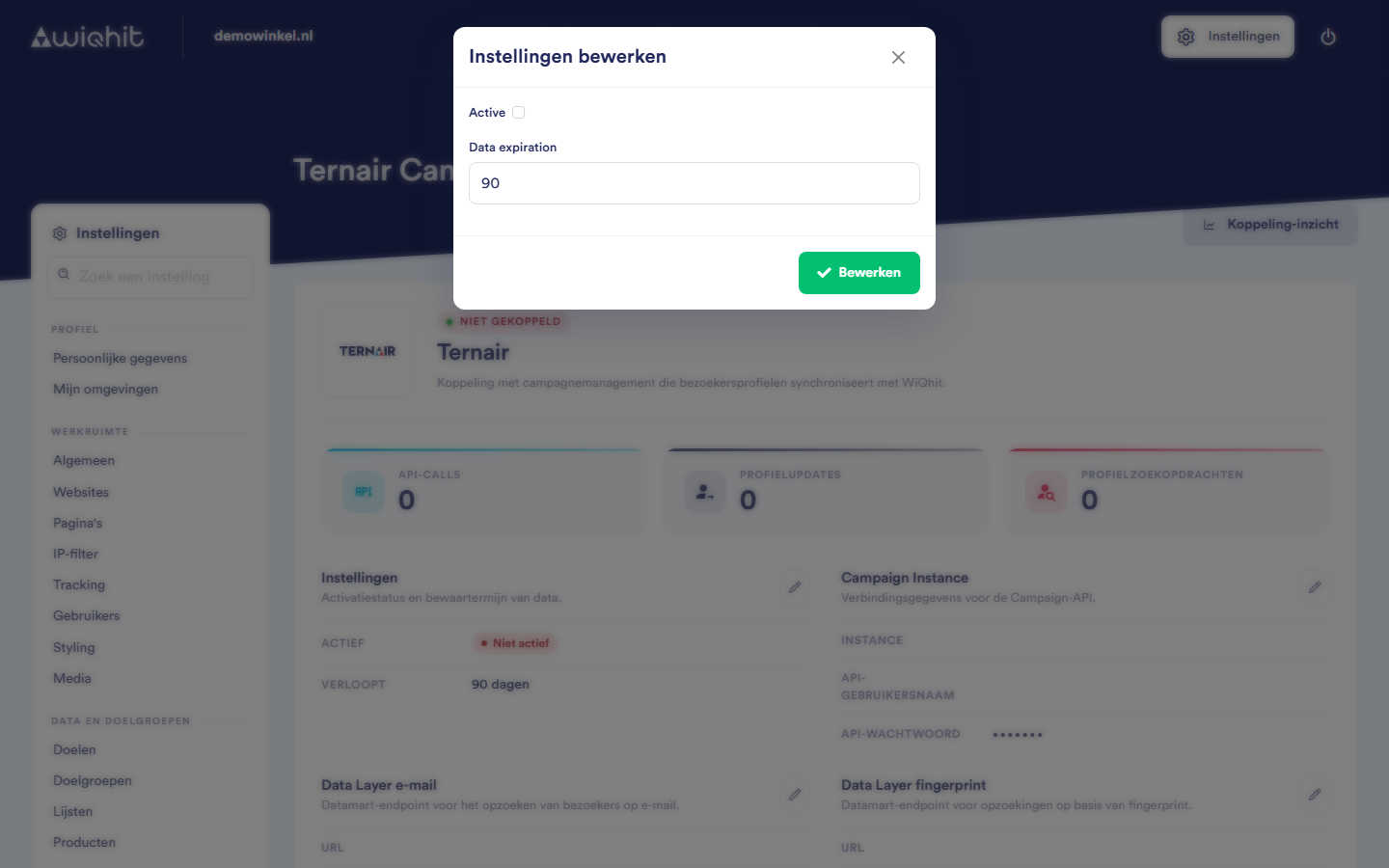
Click the pencil icon next to Settings.
Select Active.
Under Data expiration, enter the retention period in days.
Click Edit.
How WiQhit recognises visitors
trnr_ in front of the name.
0, WiQhit only uses the data during the current visit and does not store it on the profile.
Testing the integration
Open a new private window.
Open the link from a Ternair email in that window.
Important: WiQhit only looks up visitors on the first page of a new visit. If you first click around and only then click the email link, nothing more happens during that visit.
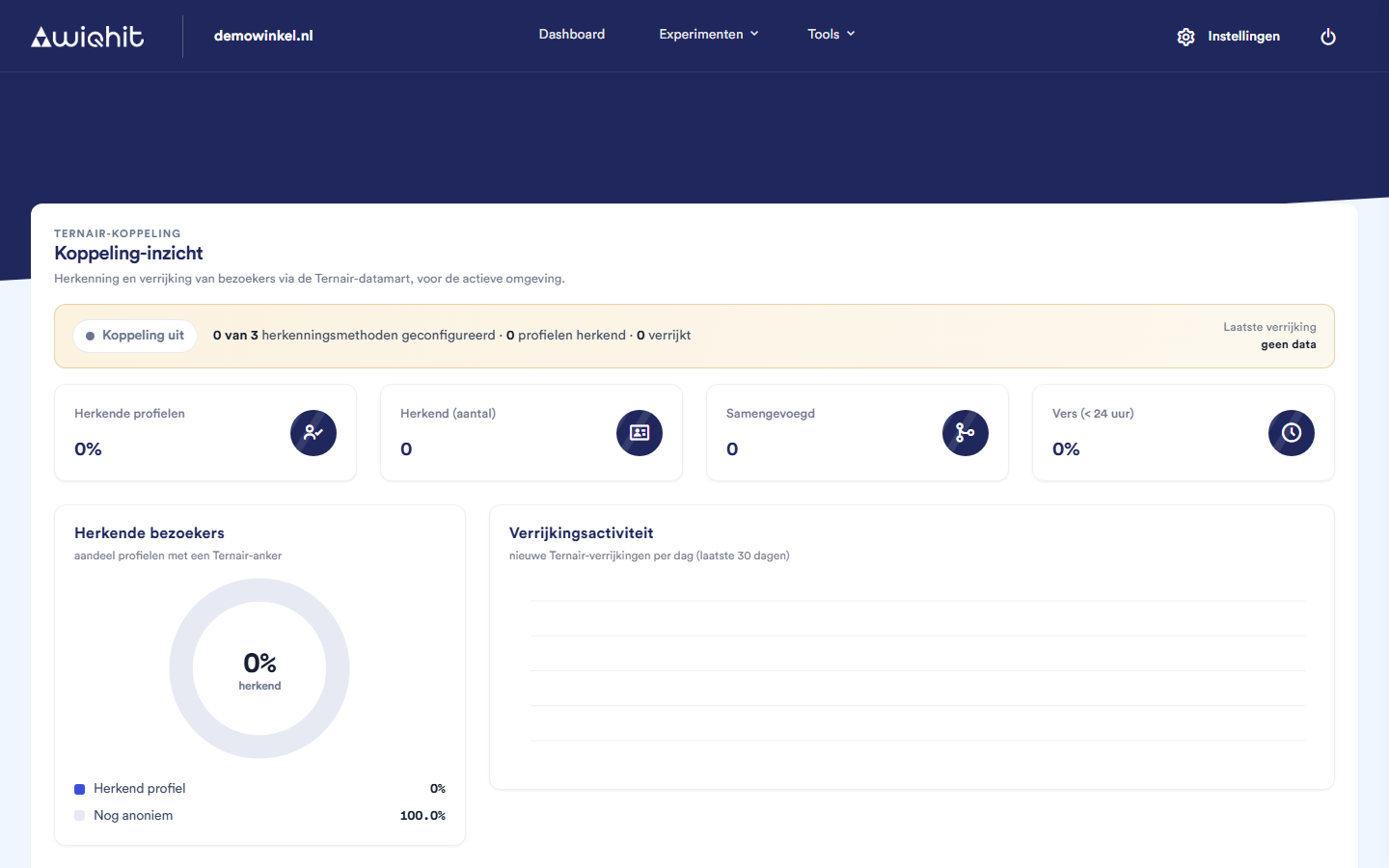
Integration insight
Considerations
On the Data Platform page itself, you do not add or remove integrations. The tile is only the entry point to the Ternair Campaign screen.
On the Ternair Campaign screen, Data Platform also stays highlighted in the side menu. This way you can see where you are.
You can find integrations with email platforms under Integrations > ESPs. Booking Experts is under Integrations > Other.