General settings
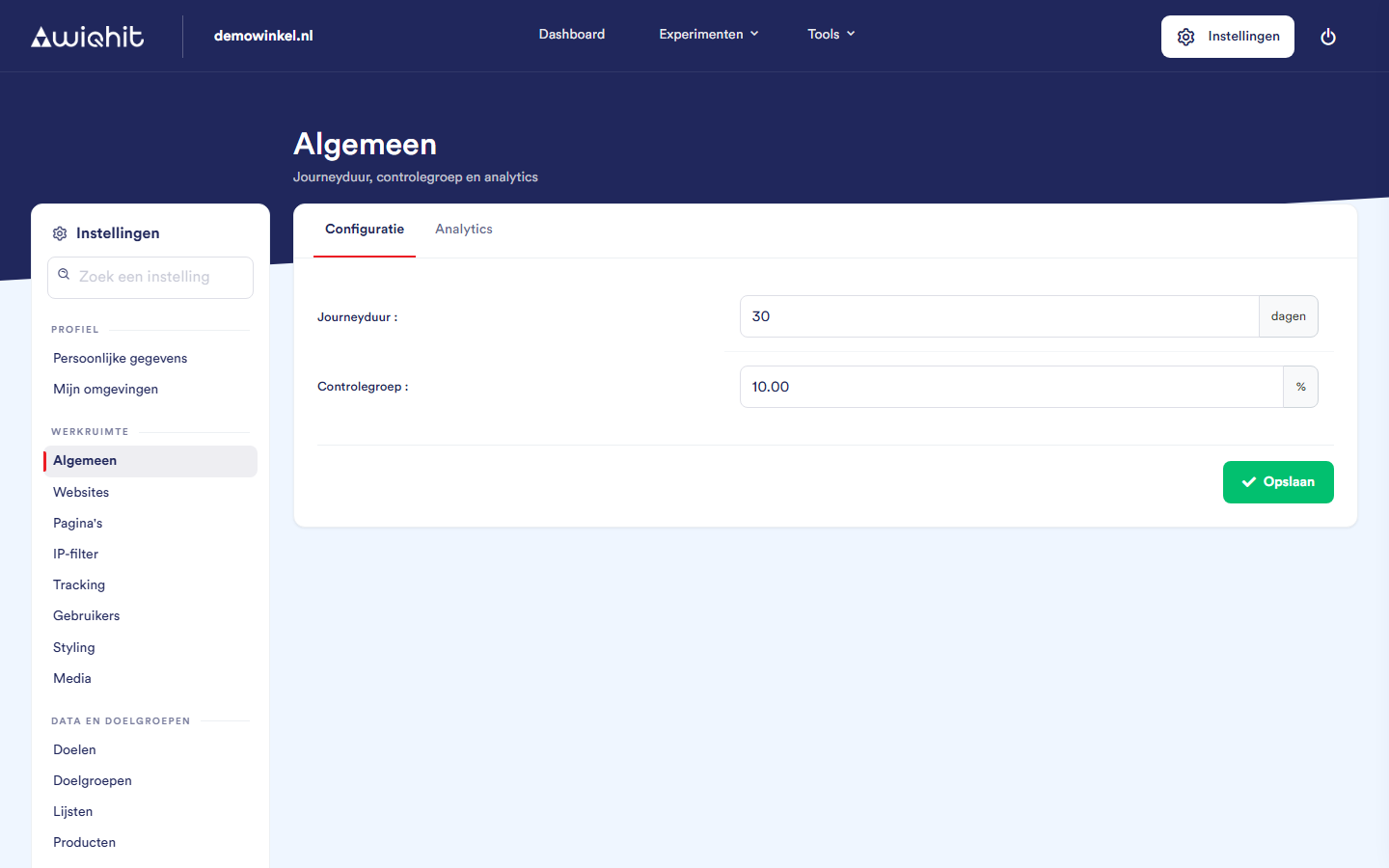
Setting the journey duration
Under Journey duration, enter the number of days.
Click Save.
30 and a visitor does not return for 30 days, WiQhit closes their journey. On their next visit, a new journey starts.
Note: If a visitor returns after more than 90 days, a new journey always starts, even if you have set a longer duration.
Setting the control group
Under Control group, enter the percentage.
Click Save.
Every new visitor is randomly given a fixed place. At
20, about one in five visitors falls into the control group, and that stays the same on their next visits.At
0, everyone sees the personalisations, but you can then no longer measure their effect.If you increase the percentage, more visitors immediately end up in the control group. If you decrease it, visitors who were already in the control group stay there until their journey ends.
Note: This control group applies to personalisations. A/B tests split visitors according to their own variants.
Important: If you use a different display pressure on mobile than on desktop (see Pages), contact WiQhit before you save these settings.
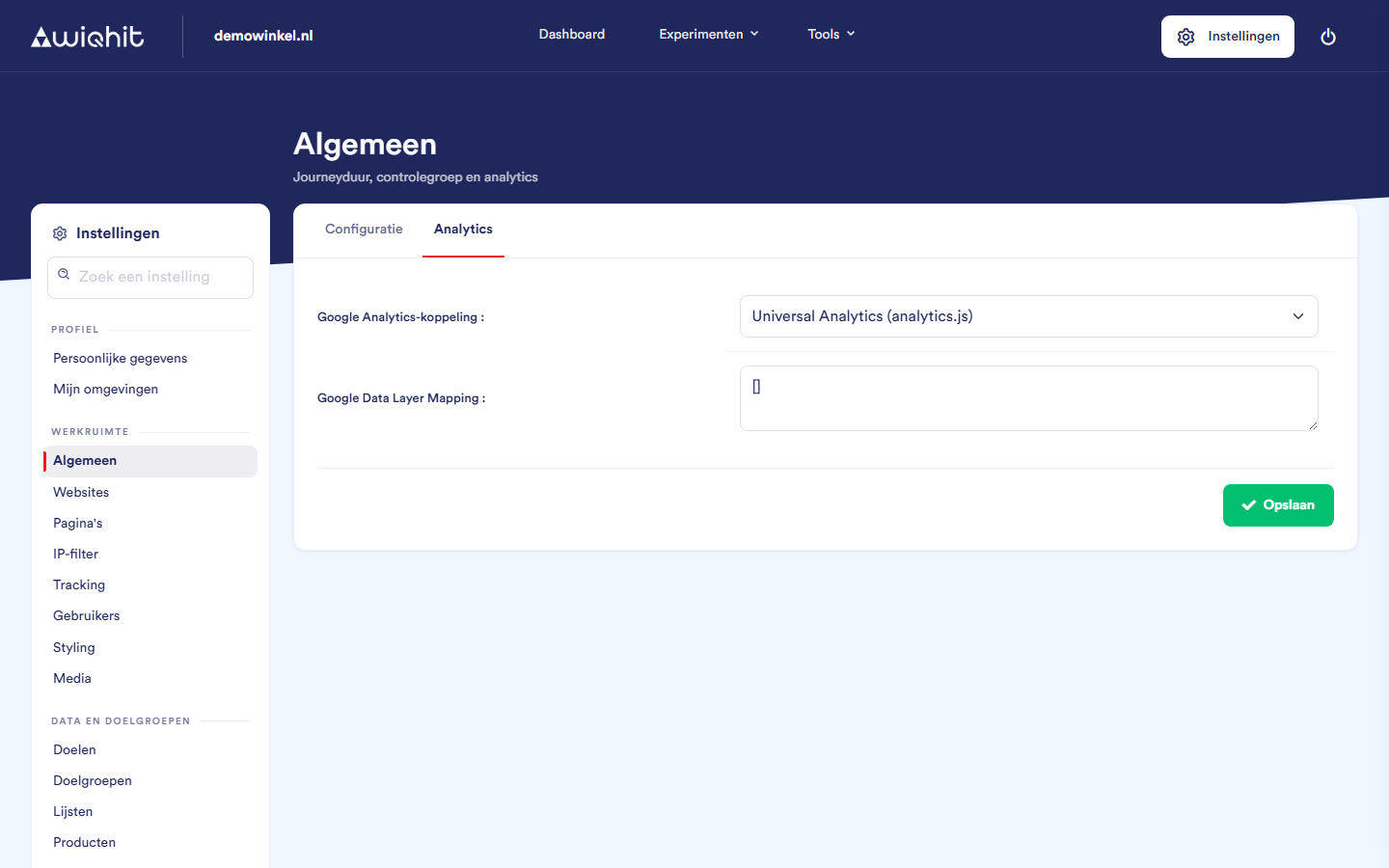
Choosing the Google Analytics integration
Google Analytics 4 (gtag.js): an event
WiQhit_personalizationwith the name of the personalisation, the type and the variant.Google Tag Manager: an event
WiQhit_personalizationin the dataLayer, with the name as eventAction.Universal Analytics (analytics.js): only for sites that still use this older version.
disabled: WiQhit passes nothing on.
Considerations
Google Data Layer Mapping determines which data the WiQhit script reads from your website's dataLayer. Only change this field in consultation with WiQhit support: an error in it can make the WiQhit script on your website freeze.