Other integrations and Booking Experts
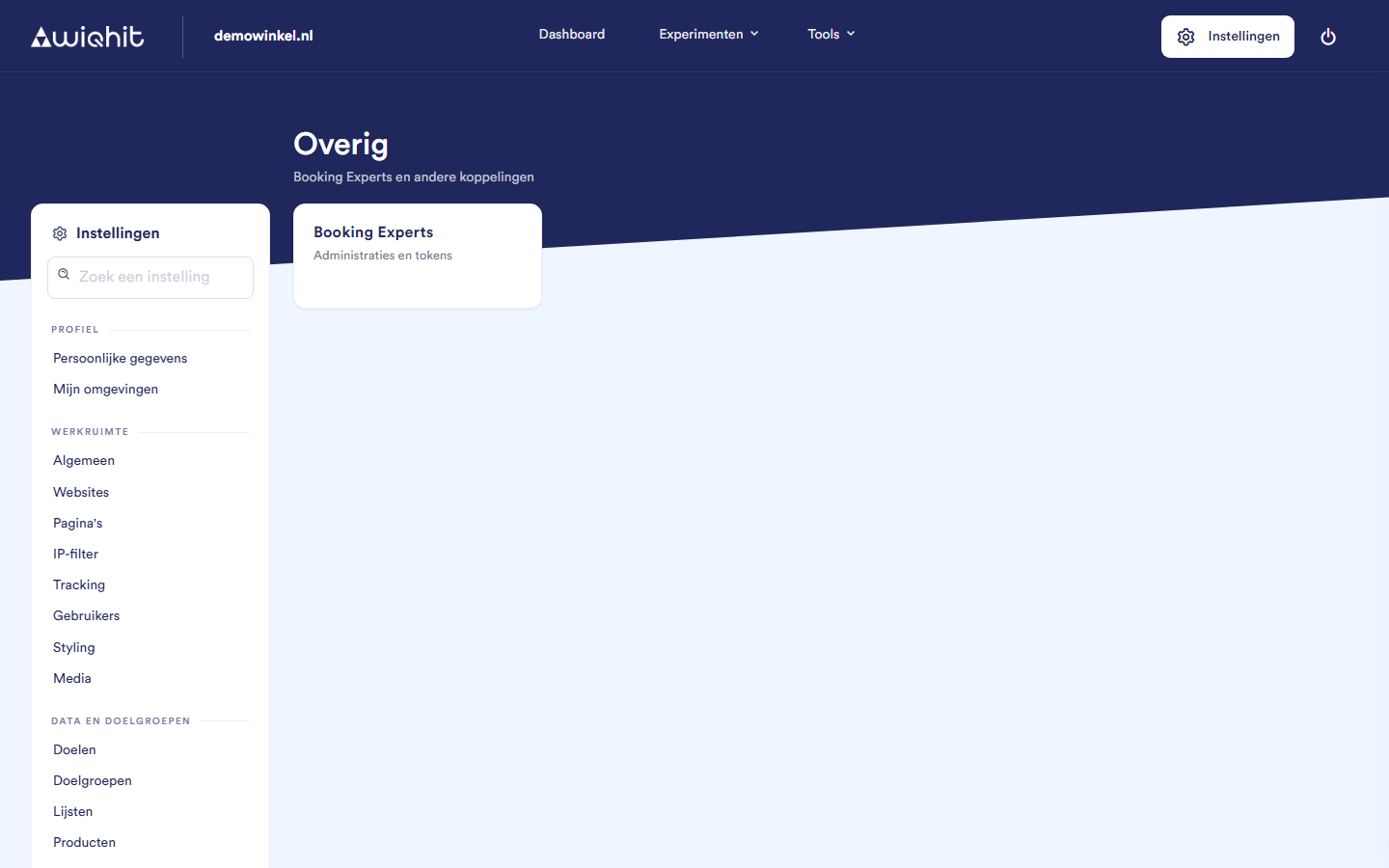
Requirements
An account with Booking Experts with which you can install apps from the Booking Experts App Store.
The correct environment in WiQhit. The integration is added to the environment you are in when you install.
Important: If you have access to several environments, first choose the environment of the website you want to connect.
Connecting Booking Experts
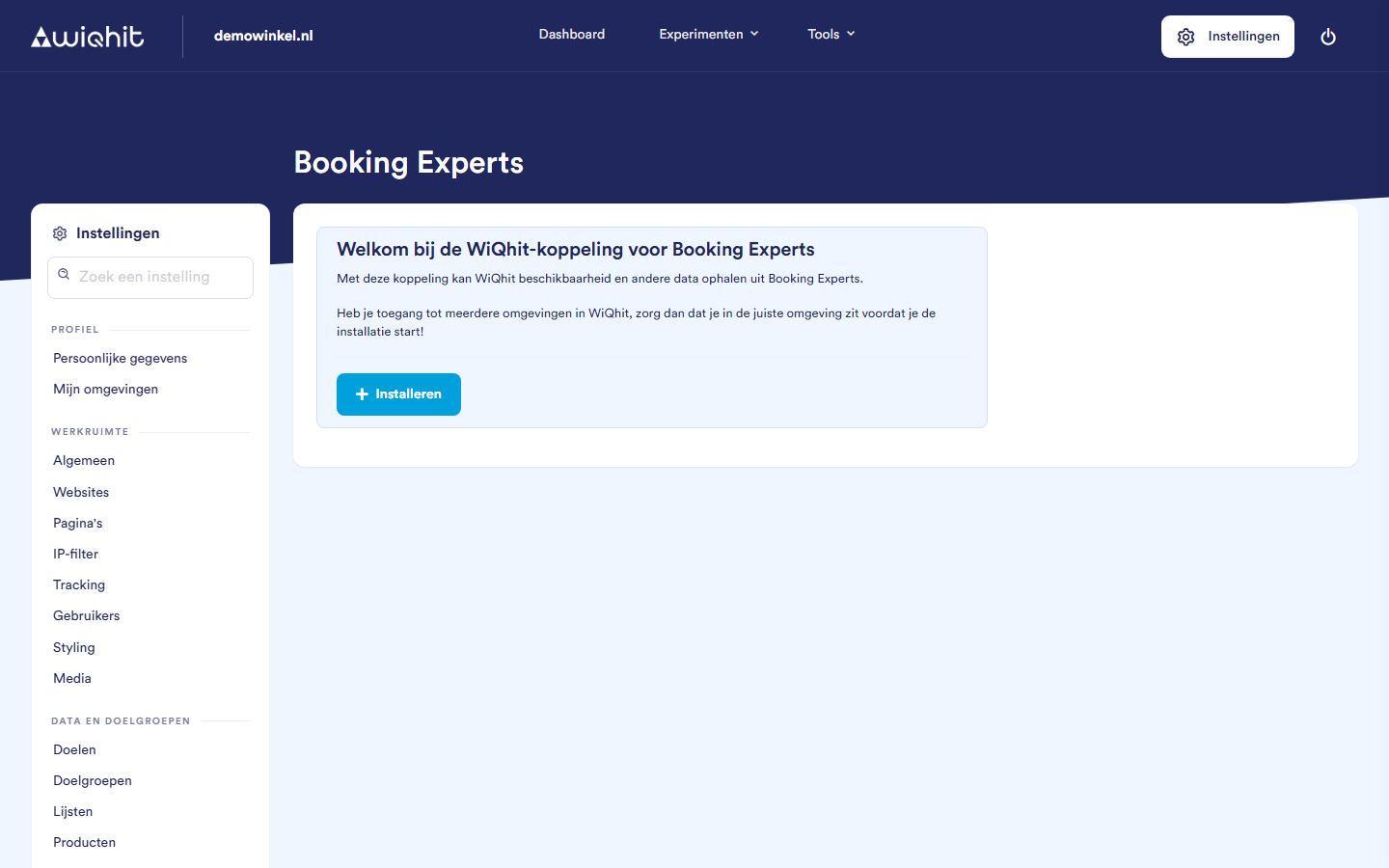
Click Install. A notification indicates that you install the integration from the Booking Experts App Store.
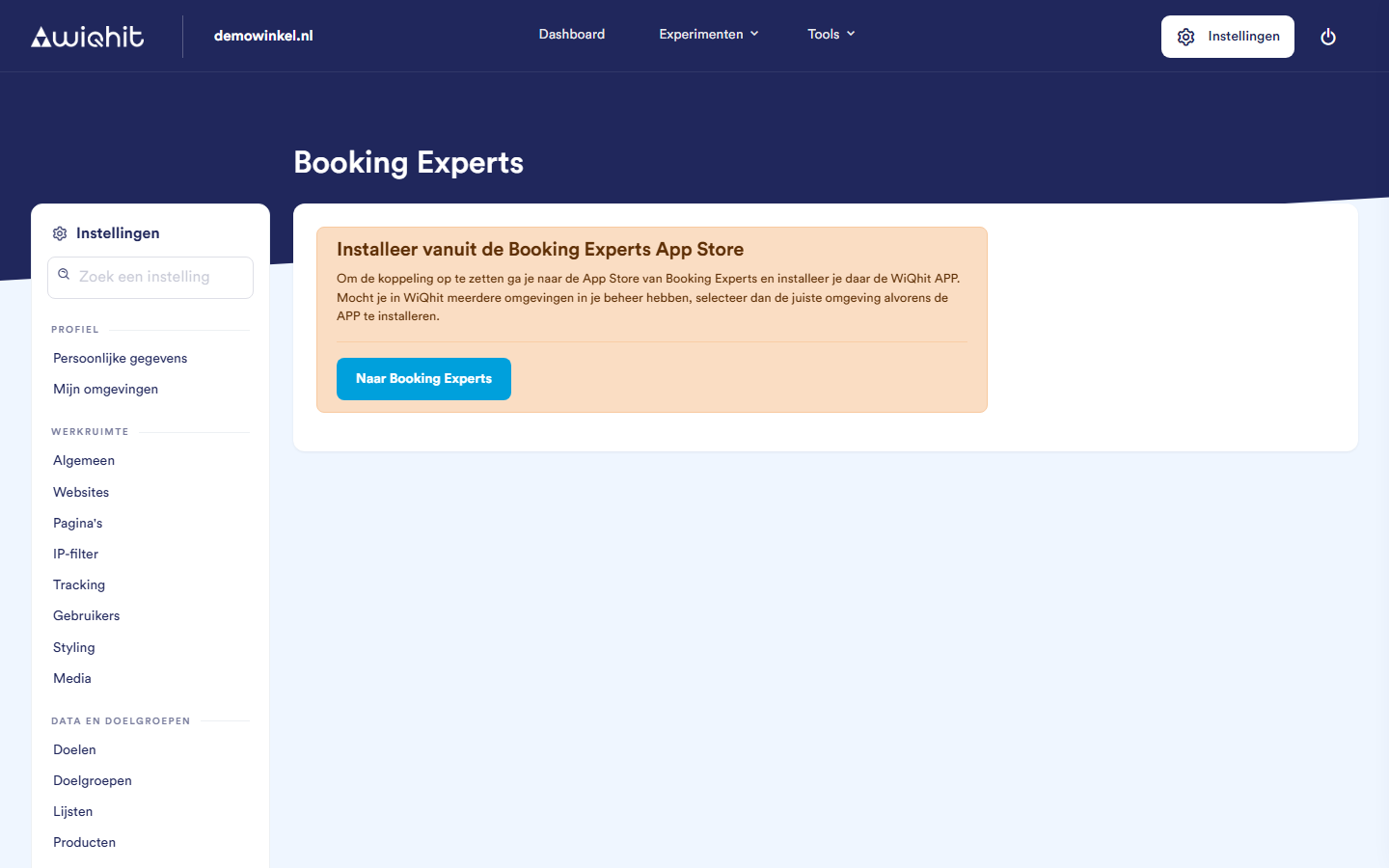
Click To Booking Experts.
Install the WiQhit app in Booking Experts. Booking Experts sends you back to WiQhit and the Install Booking Experts window opens.
Choose your organisation under Choose organisation ID.
Select the administrations you want to connect, or choose Select all. You must choose at least one.
Click Install.
Setting thresholds
ID and Type: the accommodation type as it is listed in Booking Experts.
Supply: the supply according to Booking Experts. If it shows
n/a, there is no data for it yet.Threshold: if the availability for a period is greater than zero and at or below this number, this can be shown on the Search & Book page and/or the accommodation page.
Enter the thresholds.
Click Save thresholds.
Note: If you leave a threshold empty, WiQhit fills in 7 when saving.
Considerations
If nothing is available any more, no almost-full notification appears.
If you switch administration while you still have unsaved changes, WiQhit asks you to save them first.
On the Other page itself, you do not add or remove integrations. The tile is only the entry point to the Booking Experts screen.
On the Booking Experts screen, Other also stays highlighted in the side menu.
You can find the integration with Ternair Campaign under Integrations > Data Platform. Integrations with email platforms are under Integrations > ESPs.