Websites
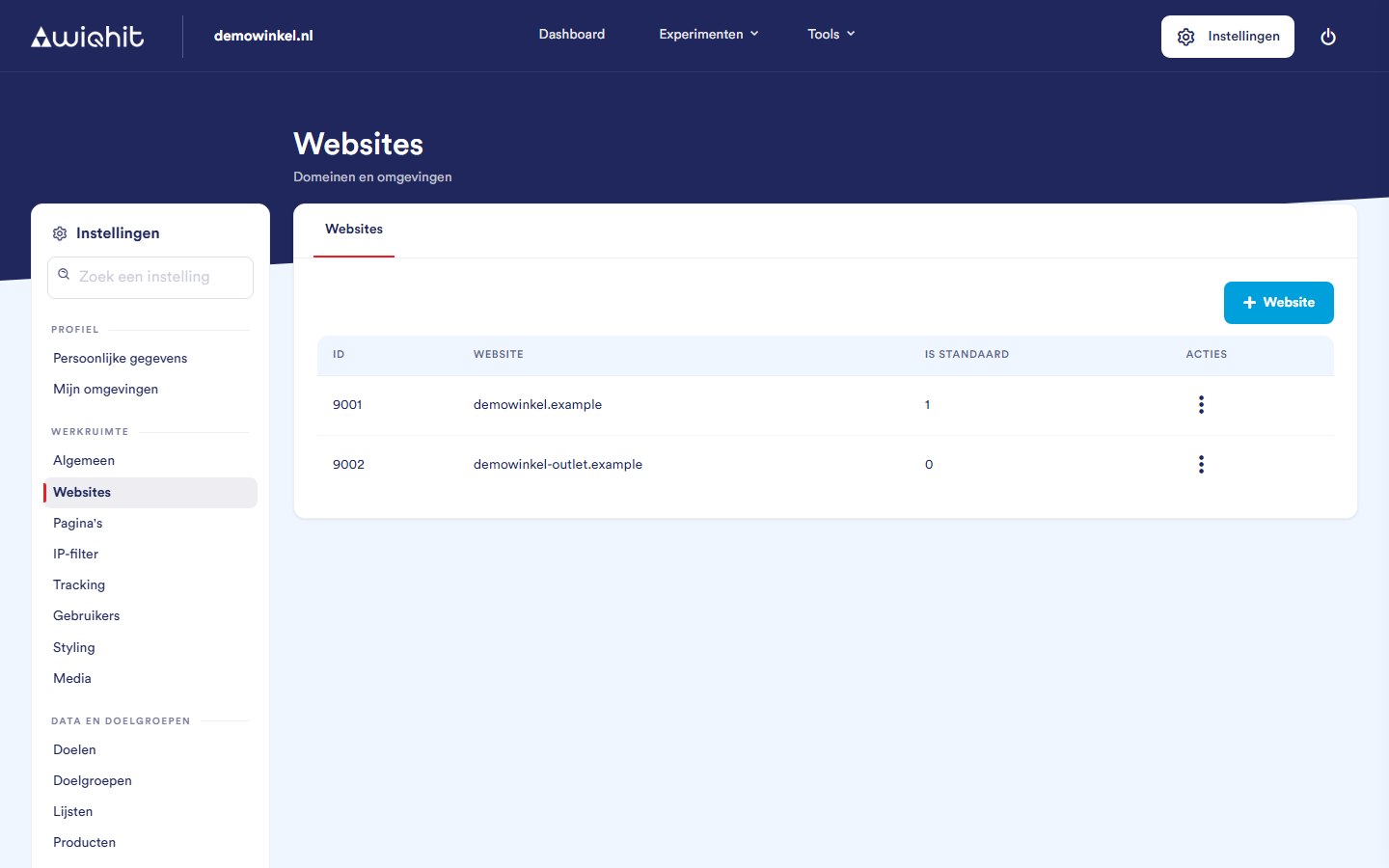
Adding a website
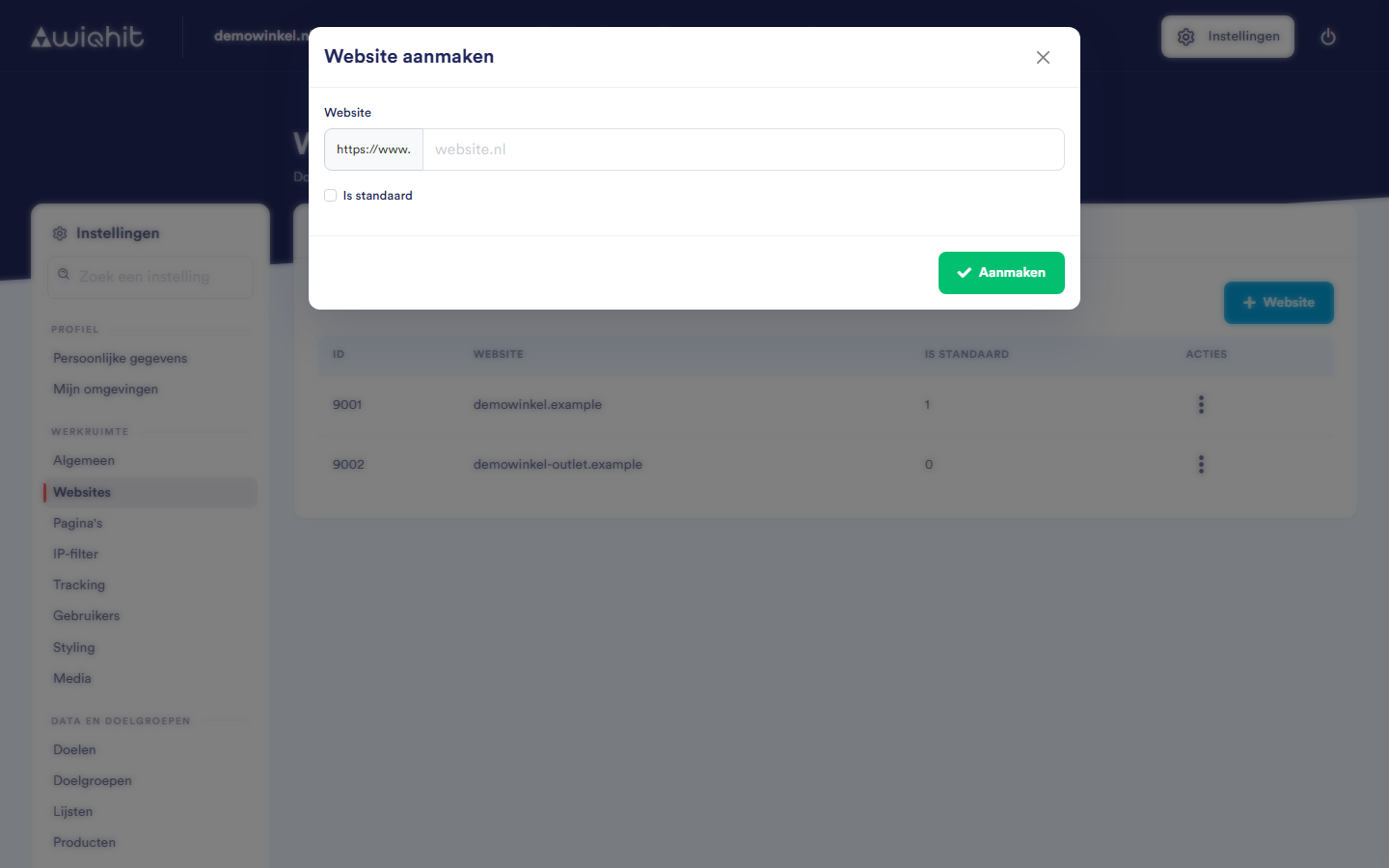
Click + Website.
Enter the domain, for example
demowinkel.nl. Leave outhttps://andwww.: they are already shown in front of the input field and are not saved.Select Is default if this is your main website.
Click Create.
demowinkel.nl, WiQhit therefore works on www.demowinkel.nl and on shop.demowinkel.nl.
Tip: If you also have another domain, such as an outlet shop or a test or staging environment, add it as a separate website.
The default website
1.
A new personalisation automatically gets the default website as its domain.
If you make another website the default, the previous one is no longer the default.
If you delete the default website, one of the other websites automatically becomes the default.
Editing or deleting a website
In the row of the website, click ⋮.
Click Edit or Delete.
Important: If you delete a domain on which personalisations are running, WiQhit stops there. This does not happen immediately: it may take a few hours.