My environments
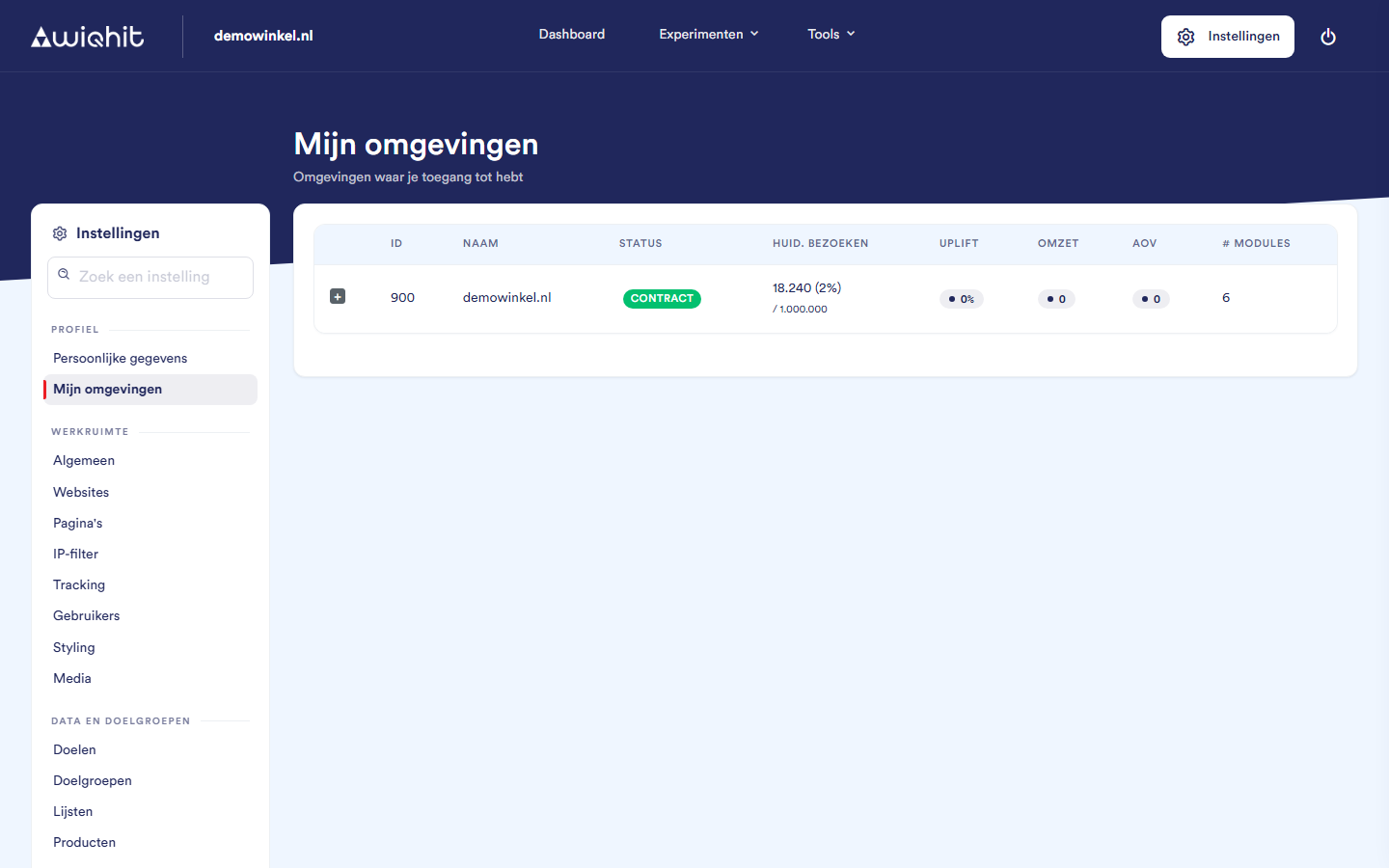
The overview
ID and Name: the number and name of the environment. Mention the ID when you contact WiQhit support.
Status: contract for an ongoing contract, pilot for a trial period and inactive if the contract is not active.
Curr. visits: the number of visits in the current contract period, with the percentage of your allowance in brackets. Below it is how many visits your contract includes.
Uplift, Revenue and AOV: the figures from WiQhit's latest weekly calculation. Green is positive, red is negative. As long as there are no weekly figures yet, it shows
0.# Modules: the number of extra modules in addition to your licence.
Note: If several environments share a contract, they also share the visit counter.
Considerations
You cannot change your contract, your modules or your visitor allowance here yourself. Contact WiQhit if you want to know which modules are included in your contract, or if you want to change something.